ภาพไม่ใช่แค่ของตกแต่ง แต่คือ “ภาษา” ภาพที่ดีทำหน้าที่เหมือนประโยคที่ดี เลือกสรร จัดวาง และสื่อความหมายได้อย่างชัดเจน มันสามารถอธิบายกลไก ถ่ายทอดอารมณ์ ทดลองไอเดีย หรือแม้แต่สร้างข้อโต้แย้งได้
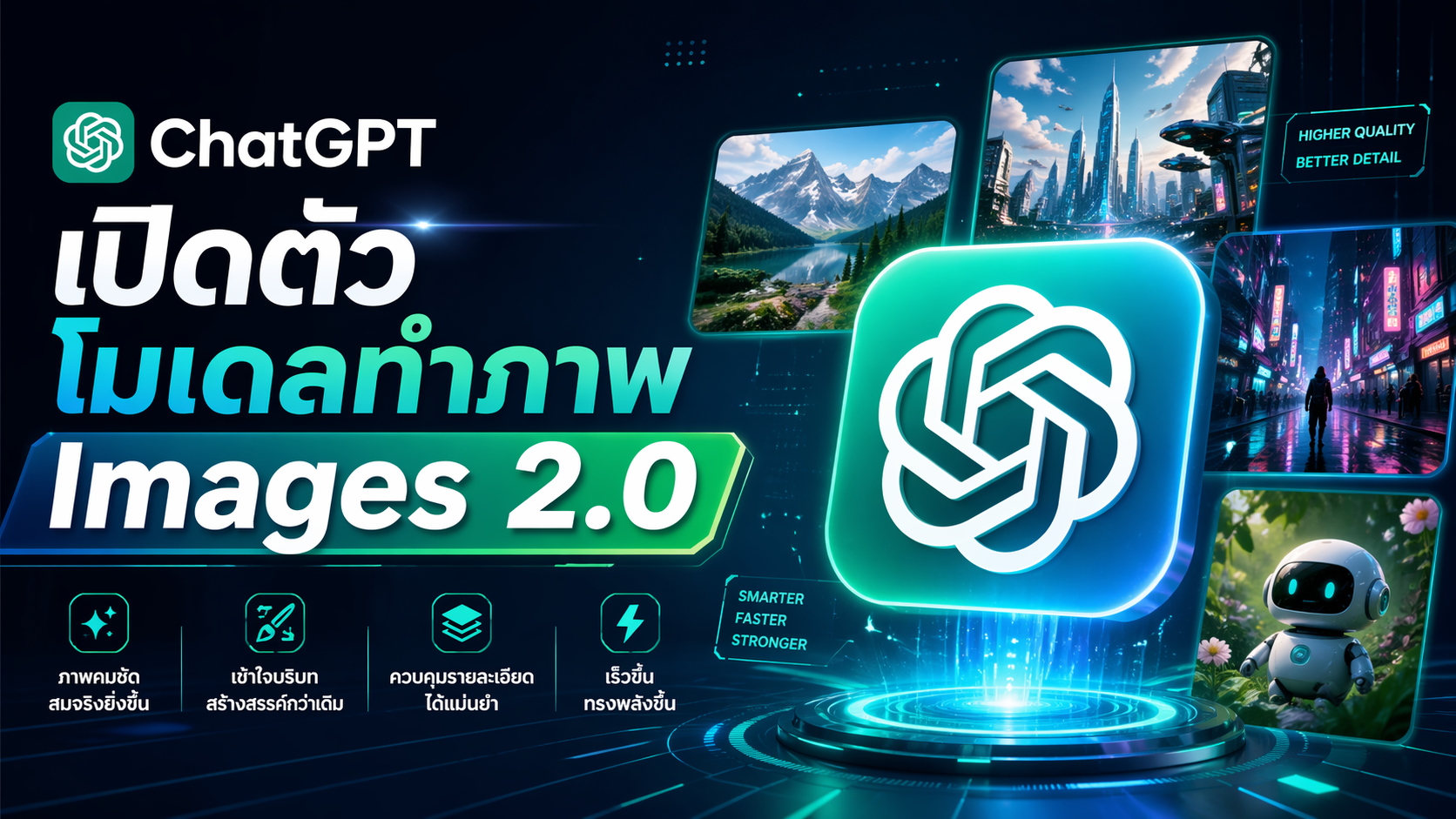
เมื่อปีที่ผ่านมา เราได้เปิดตัว ChatGPT Images เพื่อแสดงให้เห็นว่าภาพที่สร้างด้วย AI สามารถทั้งสวยงามและใช้งานได้จริง และ ChatGPT Images 2.0 คือก้าวถัดไป โมเดลระดับล้ำสมัยที่สามารถจัดการงานภาพที่ซับซ้อนได้ พร้อมสร้างภาพที่แม่นยำและพร้อมใช้งานทันที
โมเดลนี้ยกระดับอย่างชัดเจนในด้าน:
- การทำตามคำสั่งอย่างละเอียด
- การจัดวางและเชื่อมโยงวัตถุได้อย่างแม่นยำ
- การเรนเดอร์ข้อความจำนวนมากได้อย่างชัดเจน
- รองรับการสร้างภาพในหลายอัตราส่วน
ด้วยความเข้าใจด้านองค์ประกอบและรสนิยมภาพที่ดี ทำให้ผลลัพธ์ดู “ตั้งใจออกแบบ” มากกว่าดูเหมือนภาพจาก AI
นอกจากนี้ยังรองรับหลายภาษา และใช้ความรู้ด้านภาพและโลกที่กว้างขึ้น เพื่อเติมเต็มสิ่งที่คุณไม่ได้ระบุไว้ ทำให้คุณได้ภาพที่ฉลาดขึ้น โดยใช้คำสั่งน้อยลง
ความสามารถใหม่: การคิด (Thinking)
เพื่อรองรับงานที่ซับซ้อนมากขึ้น Images 2.0 เป็นโมเดลสร้างภาพตัวแรกของเราที่มี “ความสามารถในการคิด”
เมื่อเลือกโหมด Thinking หรือ Pro ใน ChatGPT:
- สามารถค้นหาข้อมูลจากเว็บแบบเรียลไทม์
- สร้างภาพหลายแบบจากคำสั่งเดียว
- ตรวจสอบความถูกต้องของผลลัพธ์ด้วยตัวเอง
ความสามารถนี้ช่วยให้โมเดลทำงานแทนคุณได้มากขึ้น ตั้งแต่ไอเดียไปจนถึงภาพจริง
โดยเฉพาะในงานที่ต้องการ:
- ความแม่นยำ
- ข้อมูลที่อัปเดต
- ความสม่ำเสมอ
- ความกลมกลืนของภาพ
จาก “เครื่องมือ” สู่ “ระบบออกแบบภาพ”
ด้วยการผสานความสามารถของโมเดลด้านการให้เหตุผลของ OpenAI เข้ากับความเข้าใจโลกภาพอย่างลึกซึ้ง
Images 2.0 จึงยกระดับจากแค่การ “สร้างภาพ” ไปสู่ “การออกแบบเชิงกลยุทธ์”
ช่วยให้ผู้ใช้งานสามารถ:
- เปลี่ยนไอเดียให้เป็นภาพที่เข้าใจได้
- ใช้สื่อสาร แบ่งปัน และสอน
- ต่อยอดและสร้างผลงานได้จริง
พร้อมใช้งานแล้ววันนี้ใน ChatGPT, Codex และ API
ความแม่นยำและการควบคุมที่เหนือกว่า
Images 2.0 มอบความละเอียดและความแม่นยำในระดับที่ไม่เคยมีมาก่อนในการสร้างภาพ
ความสามารถหลัก:
- เข้าใจและสร้างภาพที่ซับซ้อนได้ดีขึ้น
- ทำตามคำสั่งและรักษารายละเอียดได้ครบถ้วน
- เรนเดอร์องค์ประกอบที่มักเป็นจุดอ่อนของโมเดลภาพ เช่น
- ข้อความขนาดเล็ก
- ไอคอน
- UI
- ภาพที่มีองค์ประกอบหนาแน่น
- ข้อจำกัดด้านสไตล์ที่ละเอียดอ่อน
รองรับความละเอียดสูงถึง 2K (ผ่าน API)
จากเดิมที่ได้ภาพ “ใกล้เคียง” สิ่งที่คิด
ตอนนี้คุณจะได้ภาพที่ “ใช้งานได้จริง” ทันที
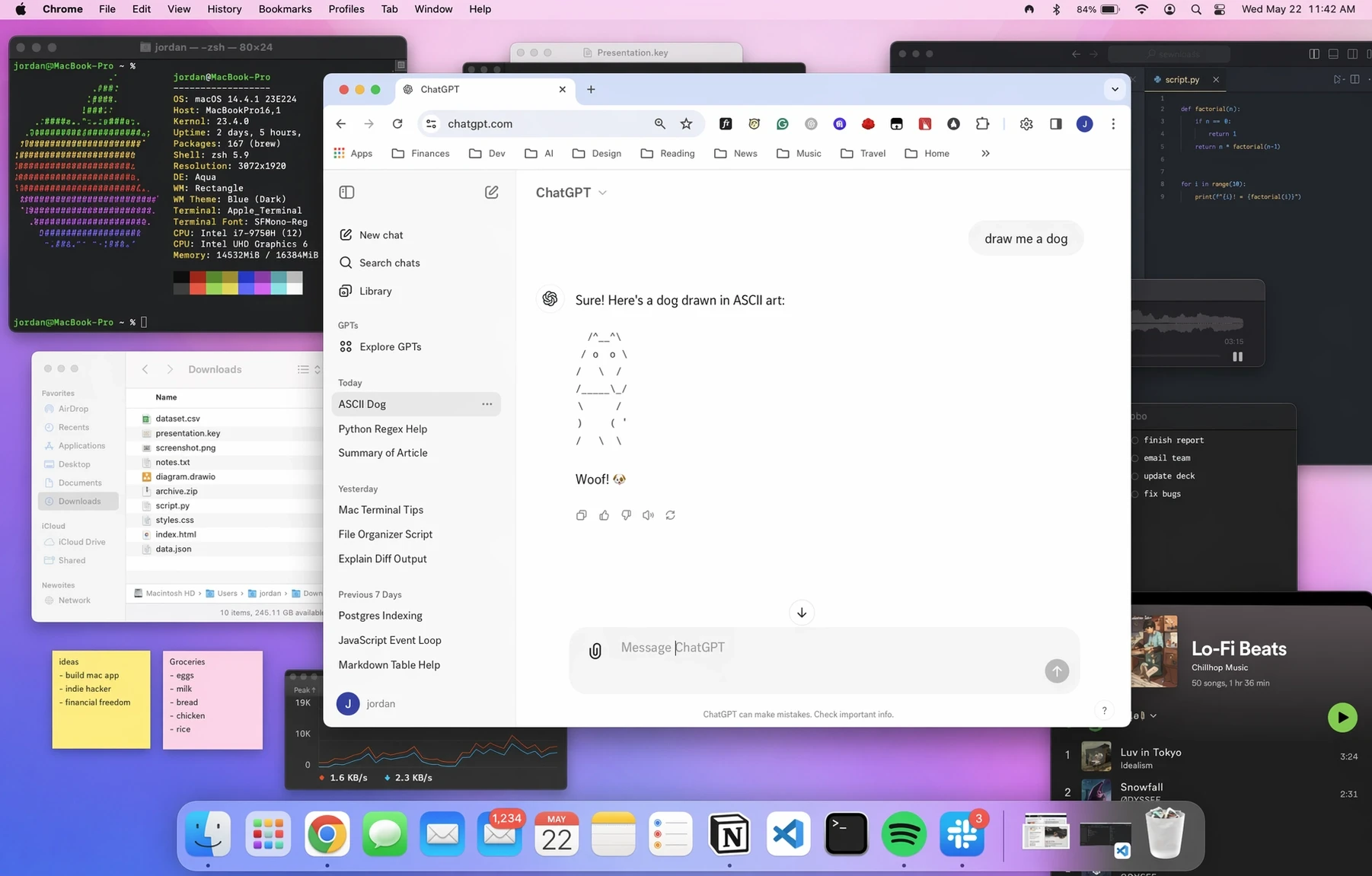
a screenshot of chatgpt, in a browser, in macosx. the user types “draw me a dog” chatgpt draws an ascii dog the front window is chatgpt, but the desktop is quite messy with lots of random windows open (e.g. a terminal). they’re all in the background
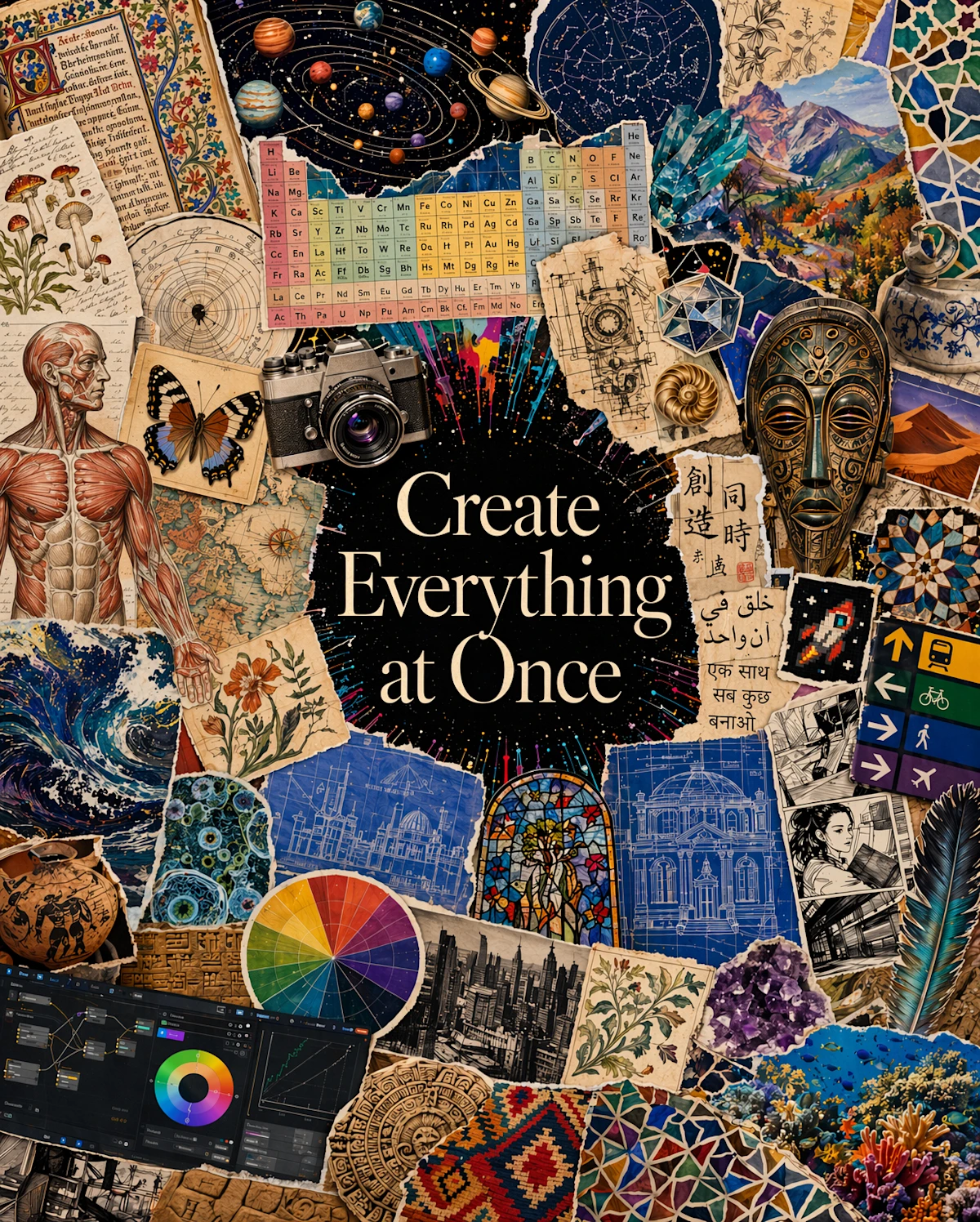
I am creating a magazine page with the theme of “visual polyglot”. The title in the center of the image should be “Create Everything at Once”. Create a piece of art celebrating visual creations, not limited to beautiful photographs but also across the full breadth of human visual culture and natural visual elements. There should be curated collage representing the diverse distribution: scientific diagrams, the periodic table, the solar system, medieval manuscript pages, botanical illustrations, anatomical drawings, old maps, climate charts, engineering schematics, transit signage, multilingual text, comic panels, UI screenshots, a camera photo, a butterfly specimen, pie charts, architectural blueprints, and façade drawings. The text frames the model as fluent across languages, notation systems, interfaces, cultural forms, and visual conventions—able to move from utility to beauty, from document understanding to artistic generation. Also feature artistic elements like pixel art, styles, history, sculpture, nature, photography, paintings, and all art forms. These are just examples, I need you to actively think about other elements / styles that may fit in a good design that’s not limited to these concepts. The overall effect is that of a premium research announcement or museum-style manifesto: elegant, ambitious, and designed to argue that image intelligence should be trained on the whole visual world, not just polished aesthetics. Use an unstructured, creative and artistic layout, such as but not limited to fan out, avoid grid-like layouts. Portrait 4:5 aspect ratio. Don’t add any content text beside the “Create Everything at Once” title. Text as part of the art is okay. Avoid a beige tint of the overall style, since we want vibrant elements to be vibrant.
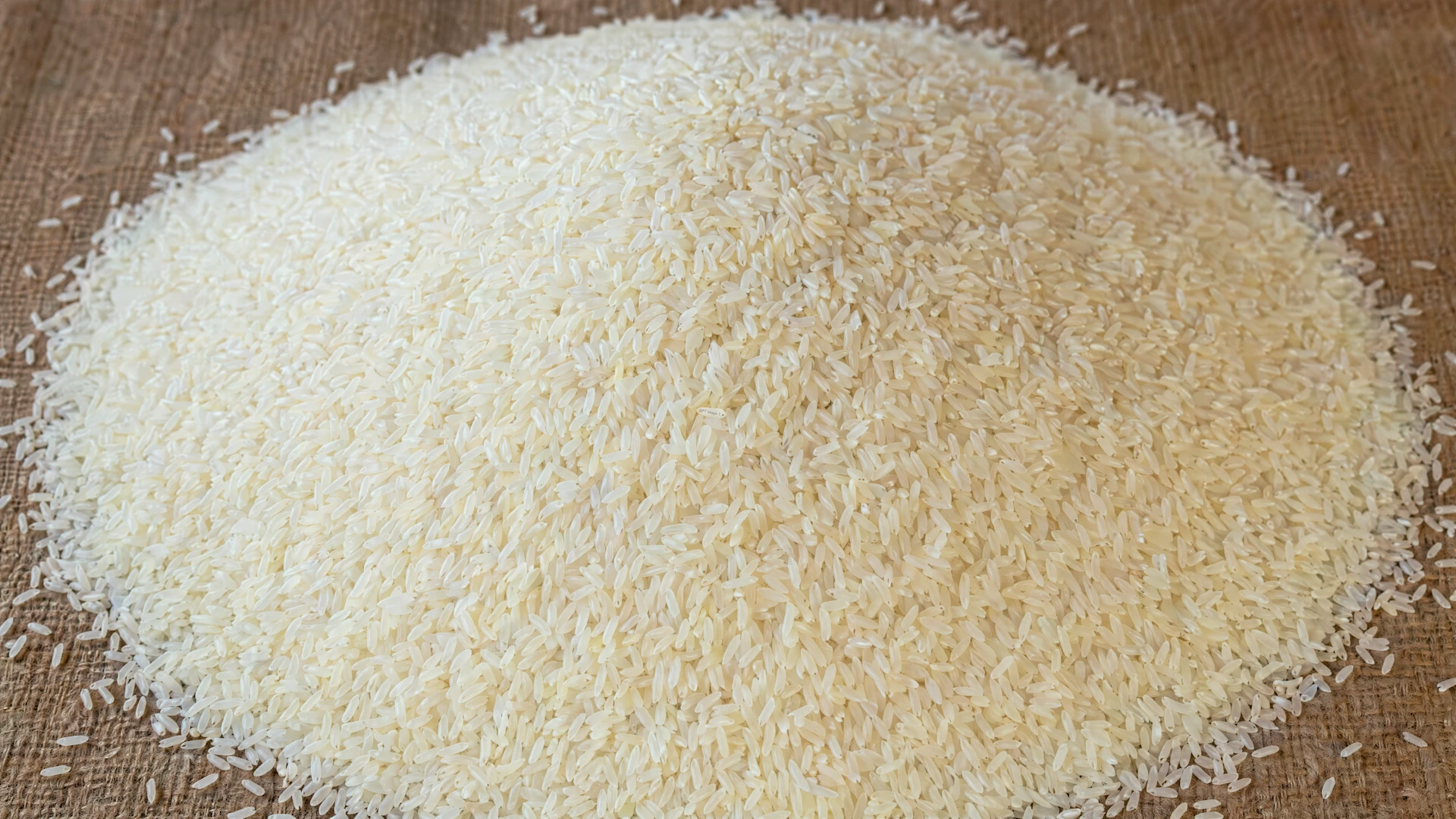
Mound of rice with thousands of grains, zoomed out. One of those grains has “GPT Image 2” etched onto it, just big enough to fit on that single grain. This rice grain is exactly the same size as the others, not any bigger or smaller, and blends into the rice mound well so it cannot be spotted at a glance.
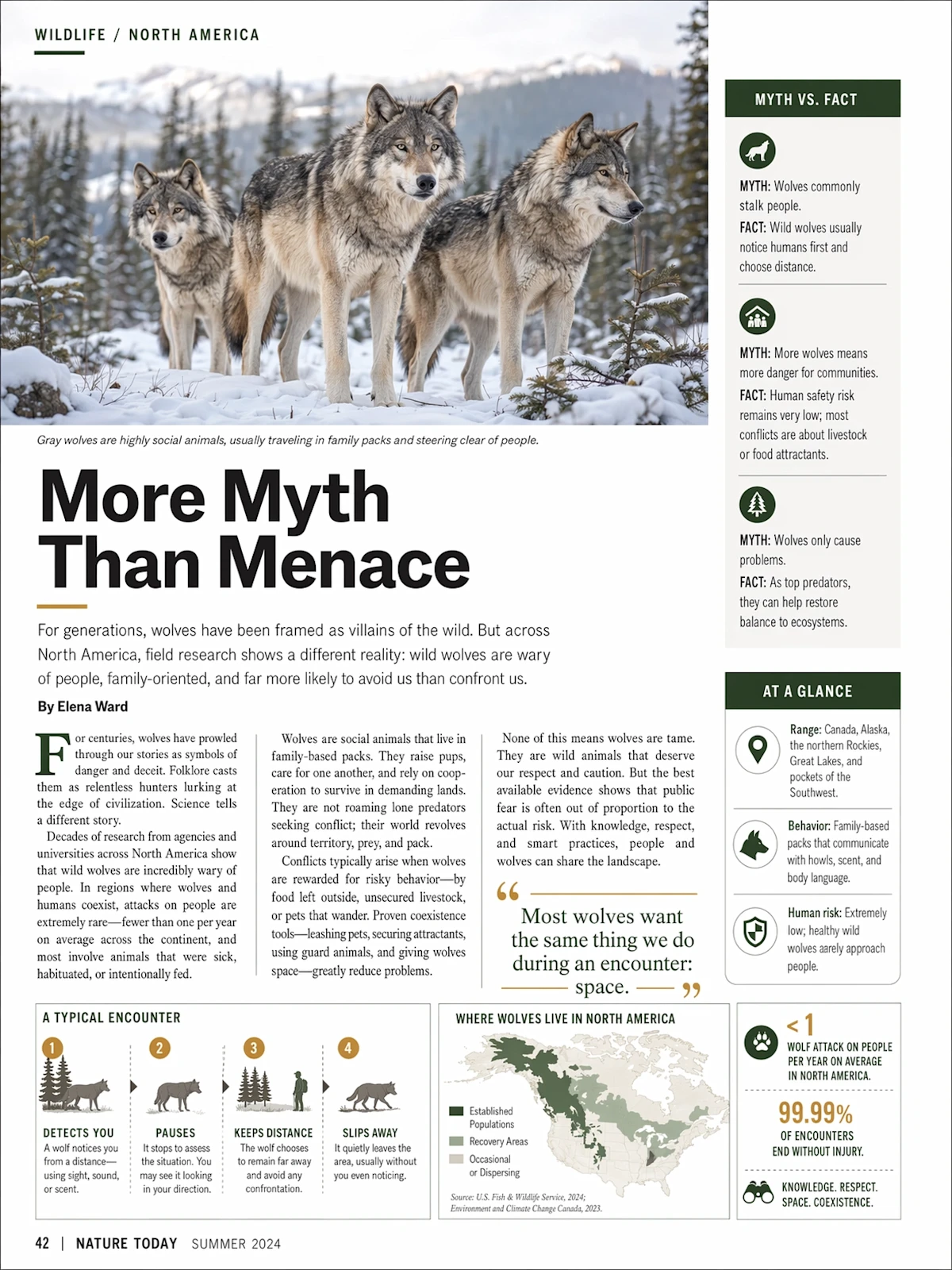
an editorial magazine page about wolves in north america and how they’re more harmless than we think. make it look like a glossy, smooth, well laid out widely distributed science magazine.
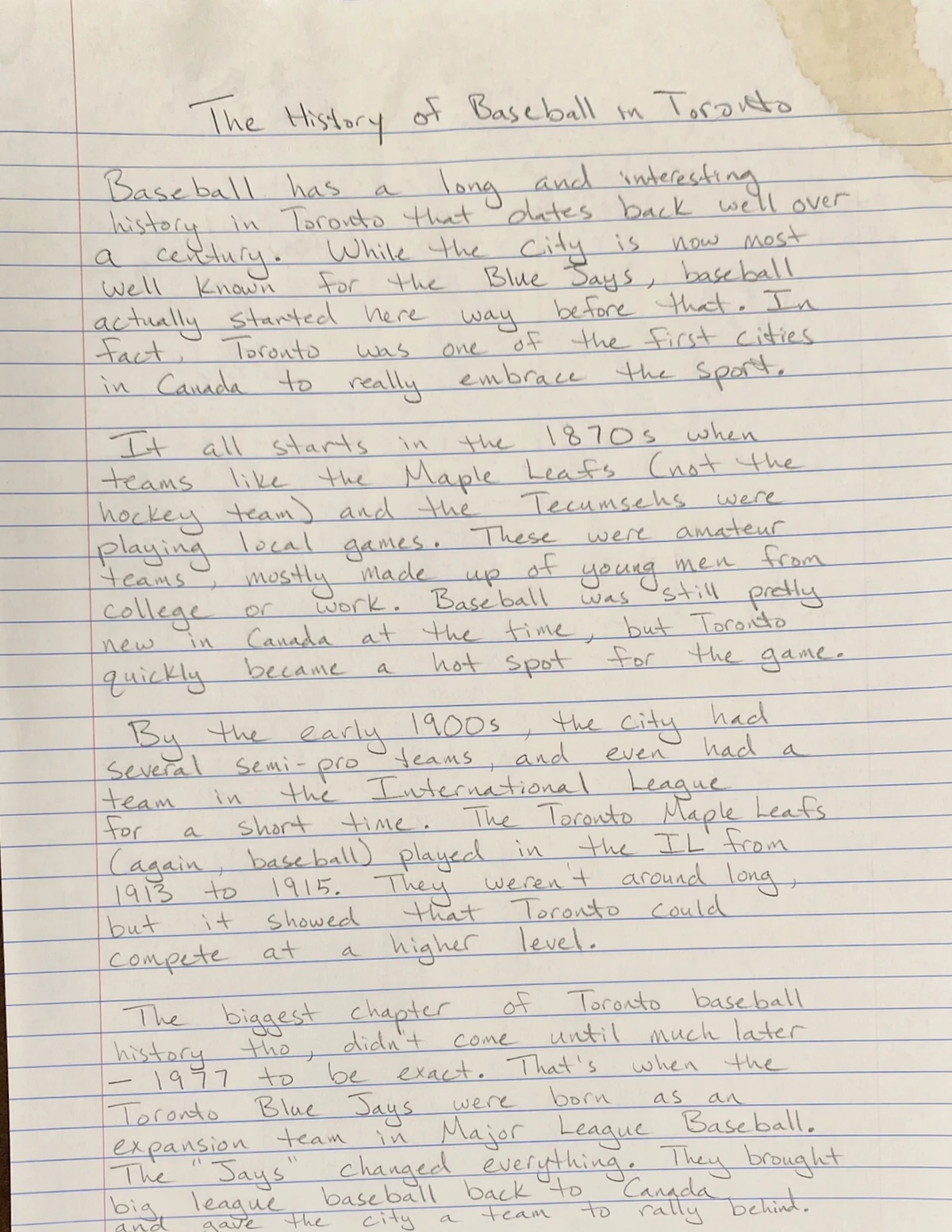
a photorealistic, taken by phone photo of a handwritten essay in pencil, bold but elegant handwriting, but messy and somewhat uneven, on an 8.5×11 piece of lined paper, about the history of baseball in toronto. make sure there is variance in the writing in a very human way. give it a slight coffee stain on the top right corner
รองรับหลายภาษาได้ดียิ่งขึ้น
ที่ผ่านมา โมเดลสร้างภาพของเรามักทำงานได้แม่นยำกับภาษาอังกฤษและภาษาที่ใช้ตัวอักษรละติน แต่ยังมีข้อจำกัดกับภาษาอื่น โดยเฉพาะเมื่อมีข้อความที่ซับซ้อนหรือหนาแน่น
Images 2.0 ก้าวข้ามข้อจำกัดนี้ ด้วยความเข้าใจหลายภาษาที่ดีขึ้นอย่างมาก และความสามารถในการเรนเดอร์ตัวอักษรที่ไม่ใช่ละตินได้แม่นยำขึ้นอย่างชัดเจน
โดยเฉพาะภาษา:
- ญี่ปุ่น
- เกาหลี
- จีน
- ฮินดี
- เบงกาลี
โมเดลสามารถสร้างภาพที่มีข้อความภาษาต่างประเทศได้อย่างถูกต้อง และยังเรียบเรียงภาษาได้อย่างลื่นไหลเป็นธรรมชาติ ไม่ใช่แค่การแปลคำสั้น ๆ แต่สามารถสร้างงานภาพที่ “ภาษาเป็นส่วนหนึ่งของดีไซน์” ได้จริง ตั้งแต่โปสเตอร์ อินโฟกราฟิก ไปจนถึงไดอะแกรมและคอมิก สิ่งนี้ทำให้โมเดลมีความเป็นสากลมากขึ้น และช่วยให้ผู้ใช้งานสามารถสร้างภาพใน “ภาษาที่ใช้งานจริง” ของตัวเองได้
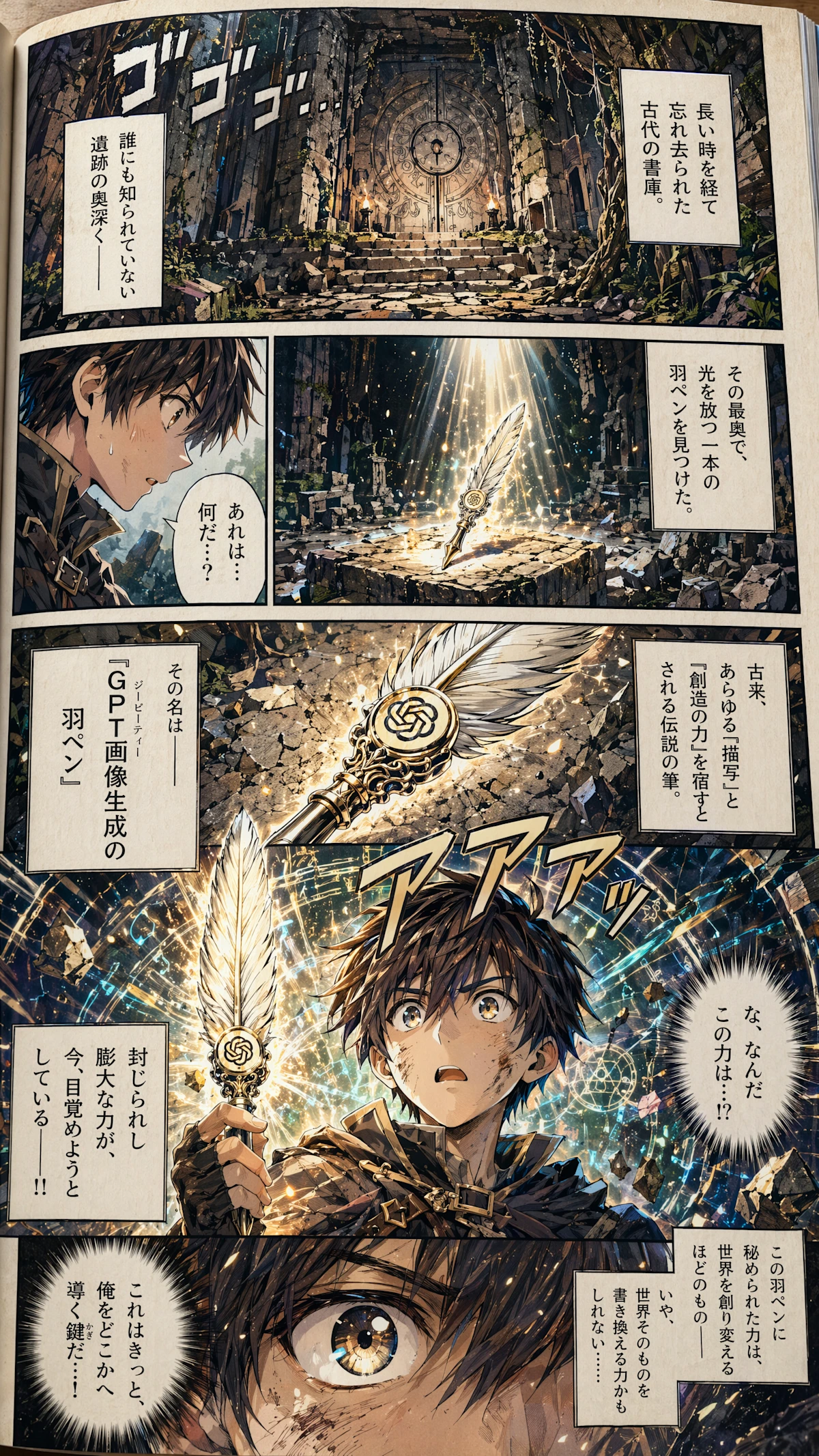
Make a sample page of a colorized Japanese shonen adventure manga. The page should vividly depict our main character found a magical quill. The name of the quill is called the Quill of GPT Image. Make it dramatic. The magical quill has strong power sealed inside it.
Additional instructions: Aspect ratio: Portrait 1440×2560. The pen should have an OpenAI logo on it. The language throughout the manga should be Japanese. Think carefully first to make this a good story with good split of manga panels. The page should appear as a photo of a physical page, not a digital page.
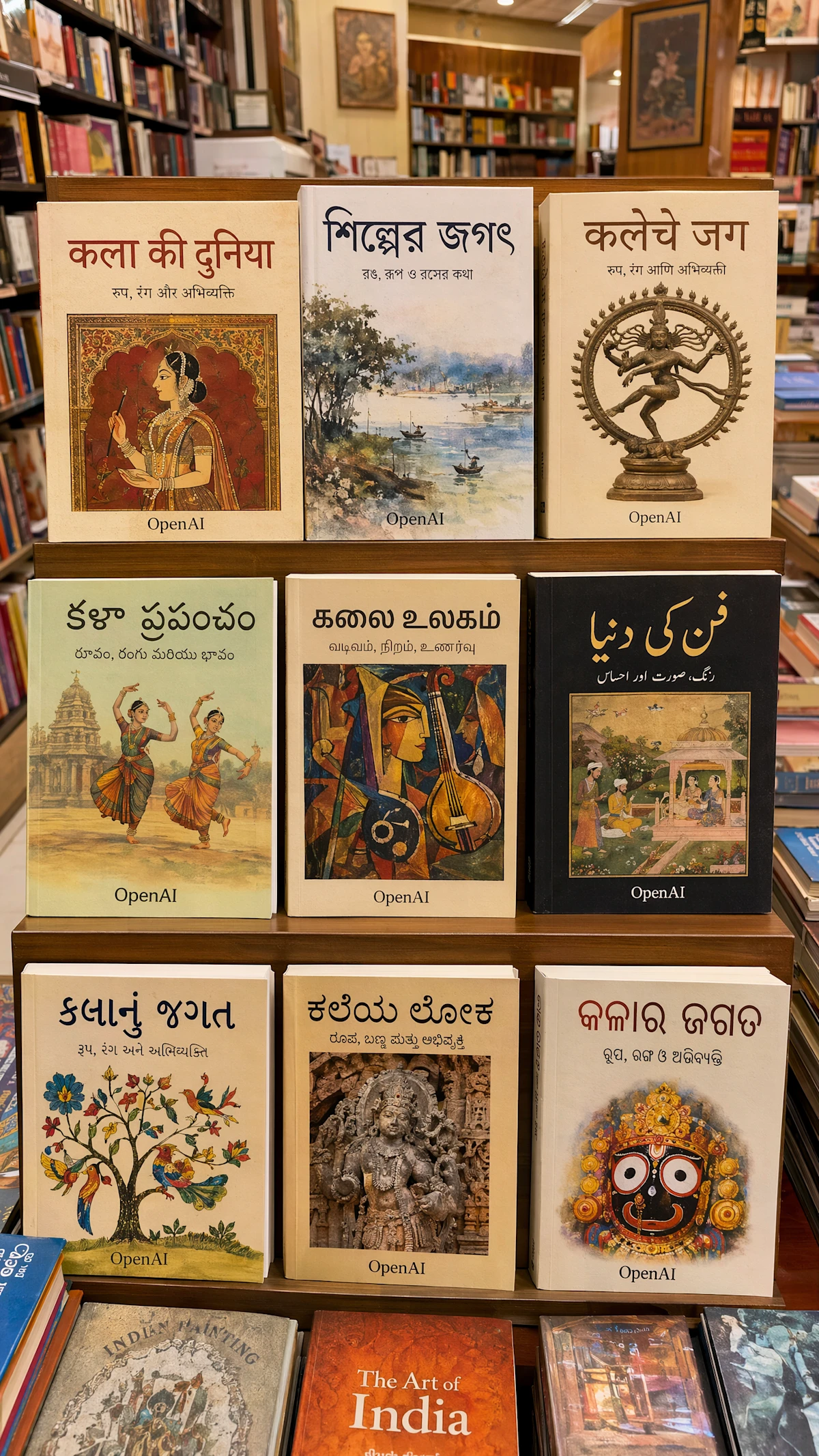
I want to create a magazine page that features a professional realistic photography in an Indian bookstore that selling indian books in different languages used in India. The photography should feature book covers in Hindi, Bengali, Marathi, Telugu, Tamil, Urdu, Gujarati, Kannada, Odia. The books must be made-up books with title related to “art” in these languages, but looks like actual book covers rather than a set. The publisher must be “OpenAI”. All text must be clearly visible. The purpose of this photography is to show case the diversity of India language. The page should be a picture entirely, no meta text nor title. Aspect Ratio: 1440×2560 portrait
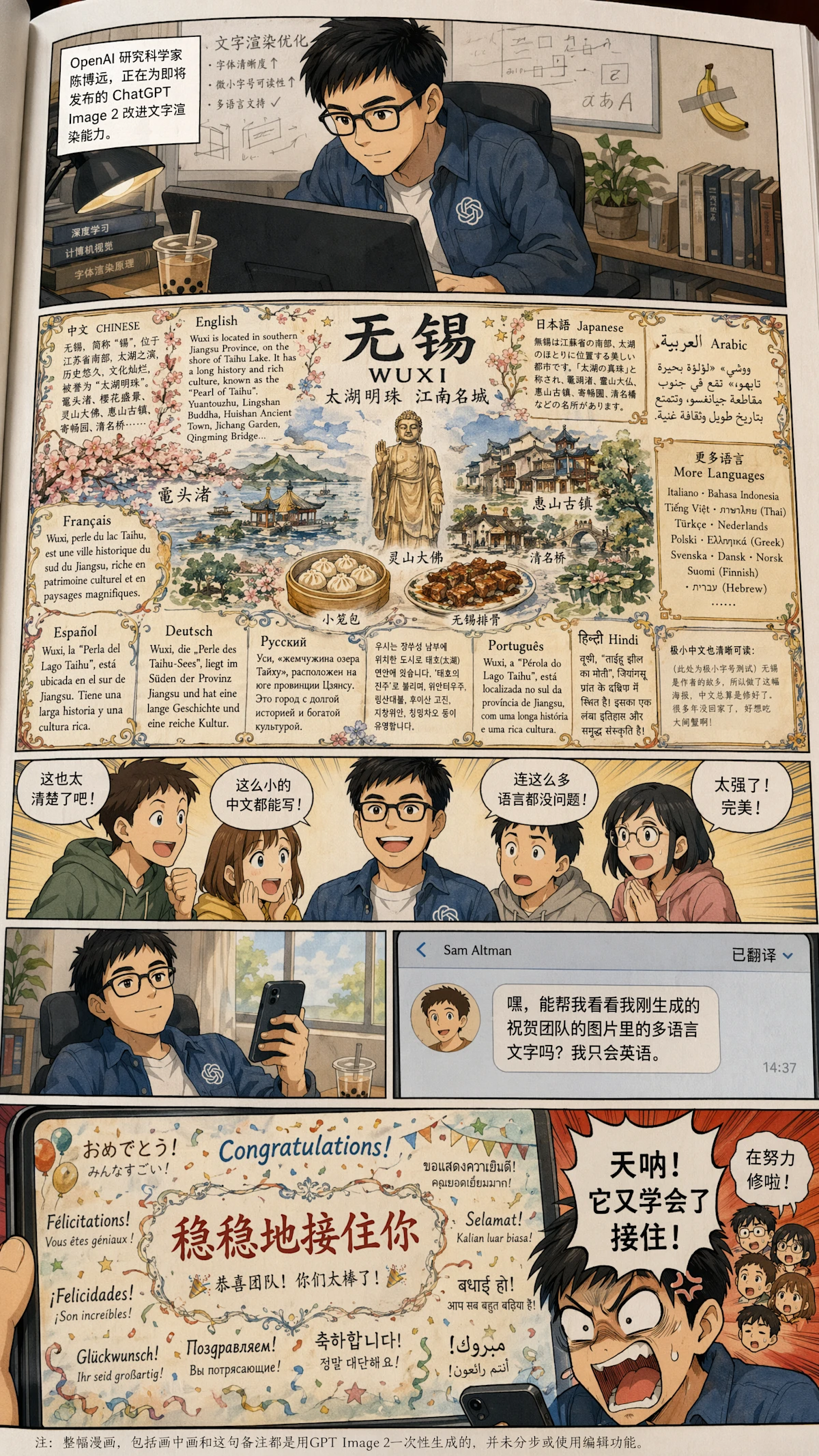
Generate a full color Chinese-text manga about this OpenAI 研究科学家, 陈博远 (first picture), who works on improving the text rendering capability of ChatGPT Image 2 model for the upcoming release. (in the background there is boba tea and a banana taped to the wall with a single slice of duct tape). The model can render insanely small Chinese text when he tried generating some detailed and beautiful multilingual infographics handdrawn-style poster about his hometown, 无锡 on his computer screen. His hard work pays off and the team was impressed by the absurdly good quality of multilingual text performance of his model, seeing all the languages it can write. When he takes a break with one hand holding his phone, he received a translated text message from Sam Altman on his phone (avatar attached as second picture), asking him to take a look at the rendered multilingual text in an image he just generated to congrat the team, since Sam only knows English. However, make it funny by let Boyuan outrage (typical manga style) at the end by seeing Sam’s generated image contains a “稳稳地接住你” phrase at the central location in an otherwise perfectly rendered image that’s used to congrat the team, because this sentence has been memed as an unnatural but funny Chinese sentence GPT likes to use on Chinese internet. Boyuan should rage “天呐! 它又学会了接住!” (with teammates as tiny heads on the side, sweating and saying in Chinese”we are working hard to fix it!”). At the very bottom of the manga, add a tiny line of footnote (very tiny)in Chinese that “note: the entire manga, including this footnote and picture in picture, are all generated with gpt image 2 at once without editing or multiple steps。”
Additional Instructions: Use vertical 1440×2560 image layout, with first row about this researcher working hard, second row about his result on 无锡 with multiple languages, third row shows the team excitement, fourth row split into left and right where left shows he takes a break and the phone received a message, right panel shows Sam’s text message, and fifth row shows Sam’s picture and 陈博远’s reaction. No narration except for the first row. Avoid Chinese map. All characters should be in manga style. The banana background should only appear in the first panel and the tape should be a single slice of tape, not a cross tape. The banana and tape decoration should be small as a insignificant easter egg for people to find. OpenAI logo shall only appear on 陈博远’s cloth, not elsewhere. No mugs in the scene since we already have the boba. Sam should only appear in the text message panel. The entire manga should be appear as a professional photo of a physical page in a manga book. In the lower right most corner of the poster there is a small “极小中文也清晰可读:” with a paragraph of much smaller Chinese that begins with “(此处为极小字号测试)无锡是作者的故乡,所以做了这幅海报,中文总算是修好了。很多年没回家了,好想吃大闸蟹啊!” (ultra small).
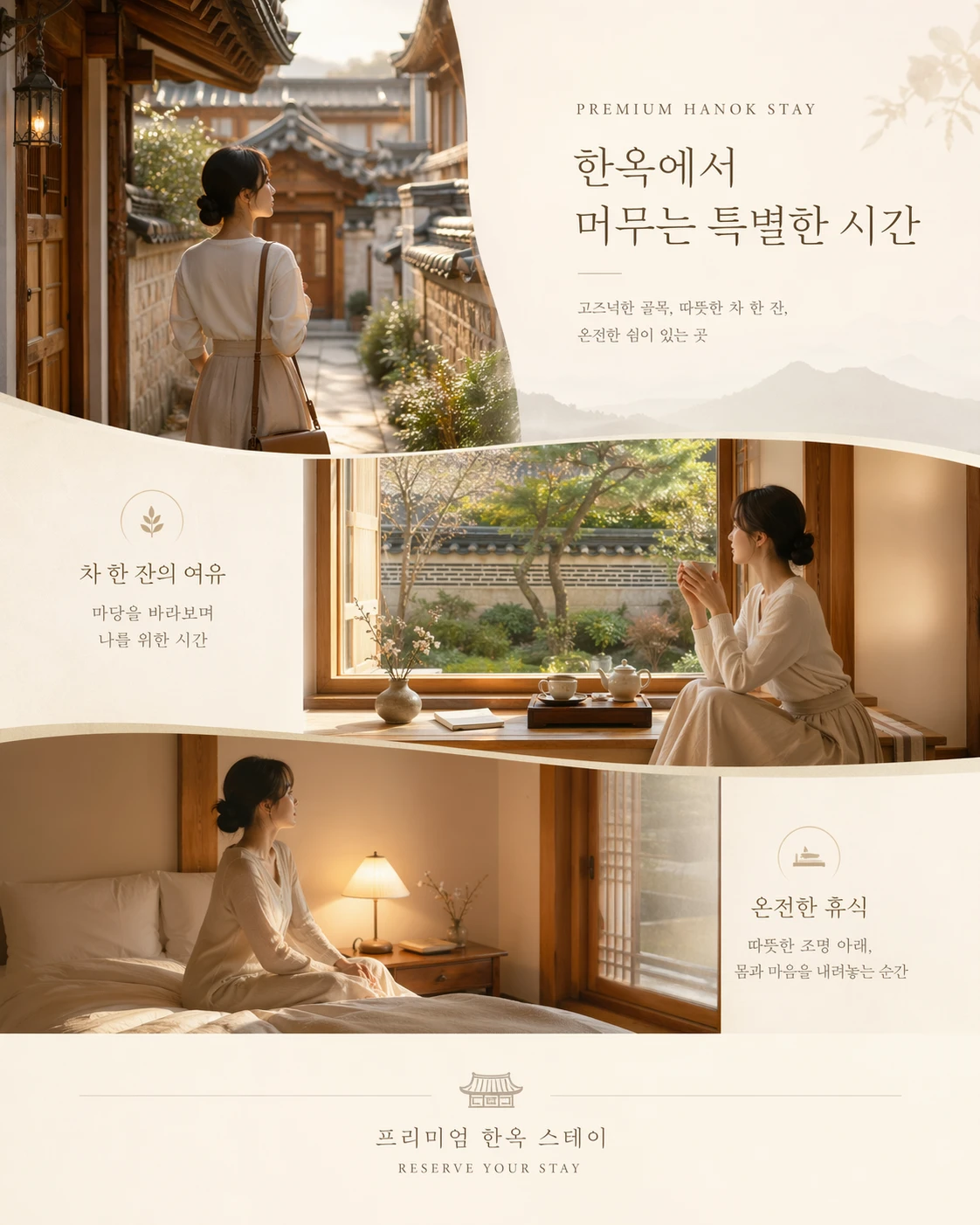
프리미엄 한옥 스테이 예약 유도용 카드 이미지, 고즈넉한 골목을 지나 체크인하는 순간, 마당이 보이는 창가에서 차를 마시는 순간, 따뜻한 조명 아래 객실에서 쉬는 순간의 3장면이 한 화면 안에서 자연스럽게 이어지는 구성, 같은 한국 여성이 반복 등장하며 우아하고 여유로운 여행 분위기, 크림과 우드 톤, 부드러운 자연광, 정갈한 한옥 공간, 저장하고 싶은 프리미엄 여행 카드 무드, 제목과 짧은 라벨, 예약 안내를 얹기 쉬운 여백, 모바일 중심 4:5 비율
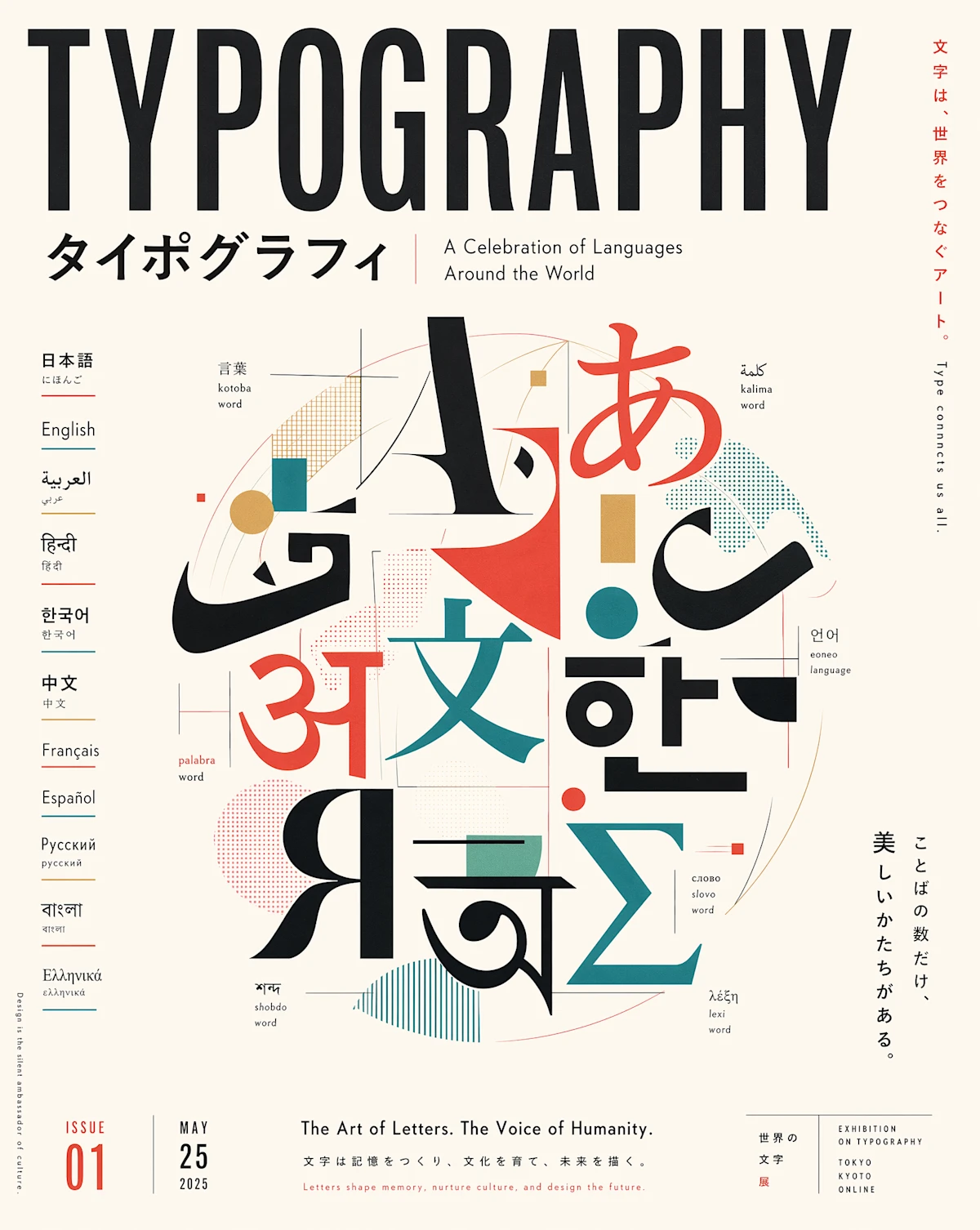
Generate professional multilingual poster about typography. The poster is supposed to be an artwork celebrating languages around the world. Japanese editorial style. 4:5 portrait aspect ratio
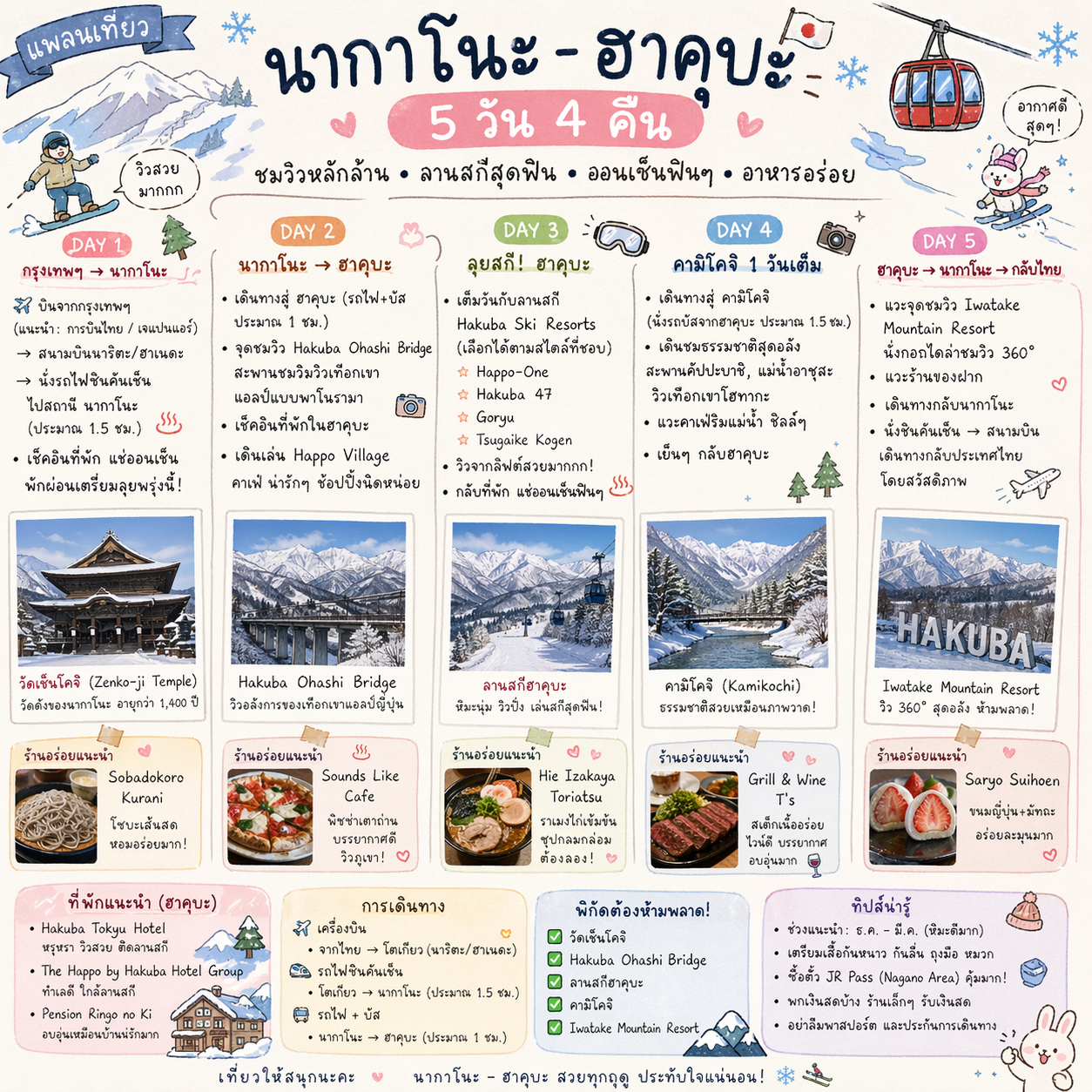
สร้างภาพแพลนเที่ยวญี่ปุ่น เมืองนากาโนะ-ฮาคุบะ 5 วัน 4 คืน โดยคิดแพ ลนมาให้เลย เน้นจุดชมวิว ลานสกี สถานที่ต้องไปและร้านอร่อย ข้อมูลเป็น ภาษาไทย ฟอนต์ลายมือน่ารักๆ ขนาด 1:1
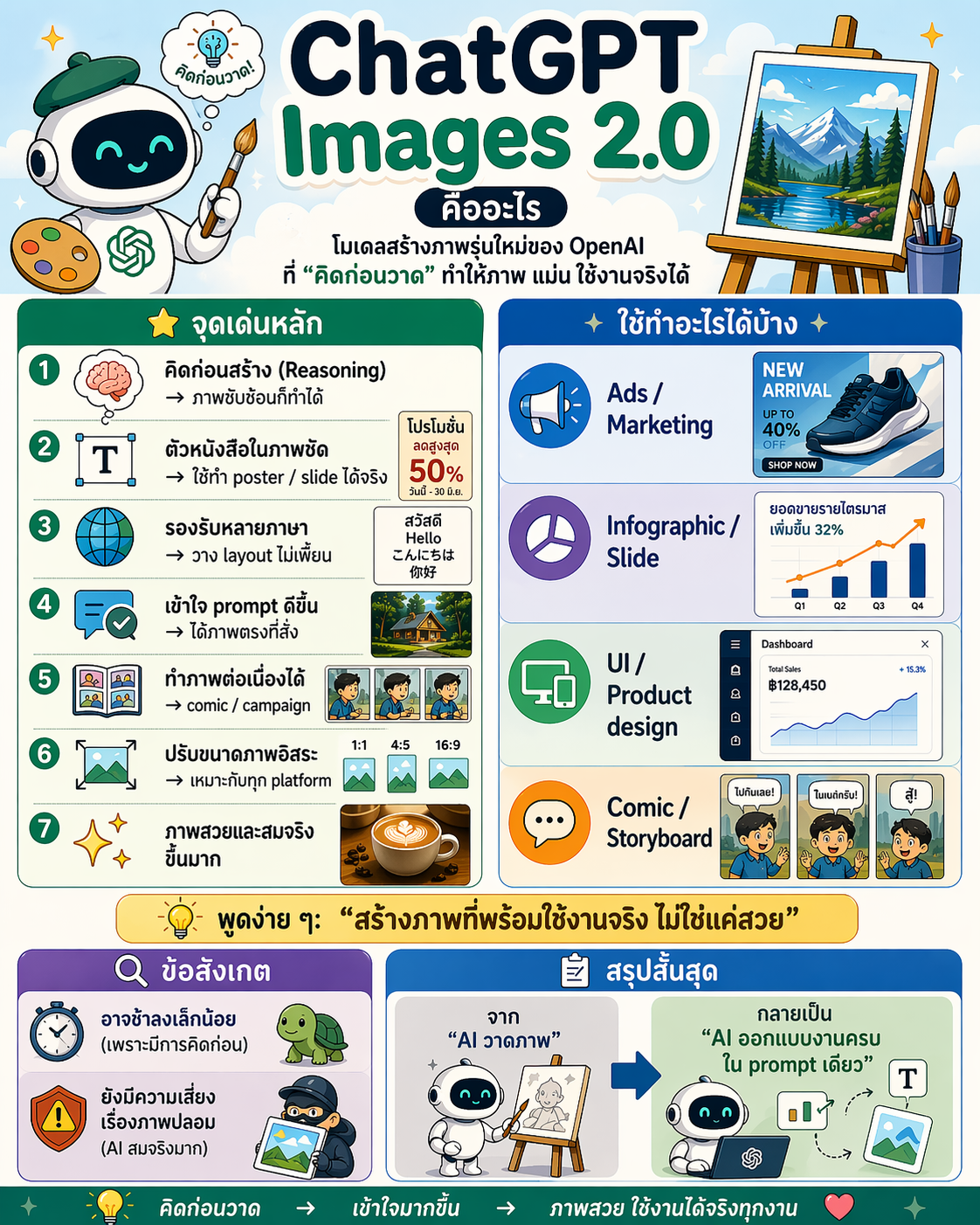
สร้างภาพอินโฟกราฟิก ขนาด 4:5 แนวการ์ตูน เข้าใจง่าย เนื้อหาภาษาไทยดังนี้ ChatGPT Images 2.0 คืออะไร โมเดลสร้างภาพรุ่นใหม่ของ OpenAI ที่ “คิดก่อนวาด” ทำให้ภาพ แม่น ใช้งานจริงได้ จุดเด่นหลัก คิดก่อนสร้าง (Reasoning) → ภาพซับซ้อนก็ทำได้ ตัวหนังสือในภาพชัด → ใช้ทำ poster / slide ได้จริง รองรับหลายภาษา → วาง layout ไม่เพี้ยน เข้าใจ prompt ดีขึ้น → ได้ภาพตรงที่สั่ง ทำภาพต่อเนื่องได้ → comic / campaign ปรับขนาดภาพอิสระ → เหมาะกับทุก platform ภาพสวยและสมจริงขึ้นมาก ใช้ทำอะไรได้บ้าง Ads / Marketing Infographic / Slide UI / Product design Comic / Storyboard พูดง่าย ๆ: “สร้างภาพที่พร้อมใช้งานจริง ไม่ใช่แค่สวย” ข้อสังเกต อาจช้าลงเล็กน้อย (เพราะมีการคิดก่อน) ยังมีความเสี่ยงเรื่องภาพปลอม (AI สมจริงมาก) สรุปสั้นสุด จาก “AI วาดภาพ” กลายเป็น “AI ออกแบบงานครบใน prompt เดียว”
ความหลากหลายของสไตล์และความสมจริงที่เหนือขึ้น
Images 2.0 พัฒนาอย่างมากในด้านความแม่นยำของสไตล์ภาพ
สามารถถ่ายทอดเอกลักษณ์ของภาพแต่ละประเภทได้ดีขึ้น เช่น:
- ภาพถ่าย (รวมถึงรายละเอียดเล็ก ๆ ที่ทำให้ดูสมจริง)
- ภาพสไตล์ภาพยนตร์
- Pixel art
- มังงะ
- และสไตล์เฉพาะทางอื่น ๆ
พร้อมความสม่ำเสมอใน:
- พื้นผิว (Texture)
- แสง (Lighting)
- องค์ประกอบภาพ (Composition)
- รายละเอียดเล็ก ๆ (Fine detail)
ผลลัพธ์ที่ได้จึง “ตรงสไตล์ที่สั่ง” มากกว่าการเดาใกล้เคียงแบบเดิม
เหมาะอย่างยิ่งสำหรับ:
- การพัฒนาเกม (Game prototyping)
- การทำสตอรี่บอร์ด
- งานการตลาด
- การสร้างงานในสื่อหรือแนวเฉพาะทาง
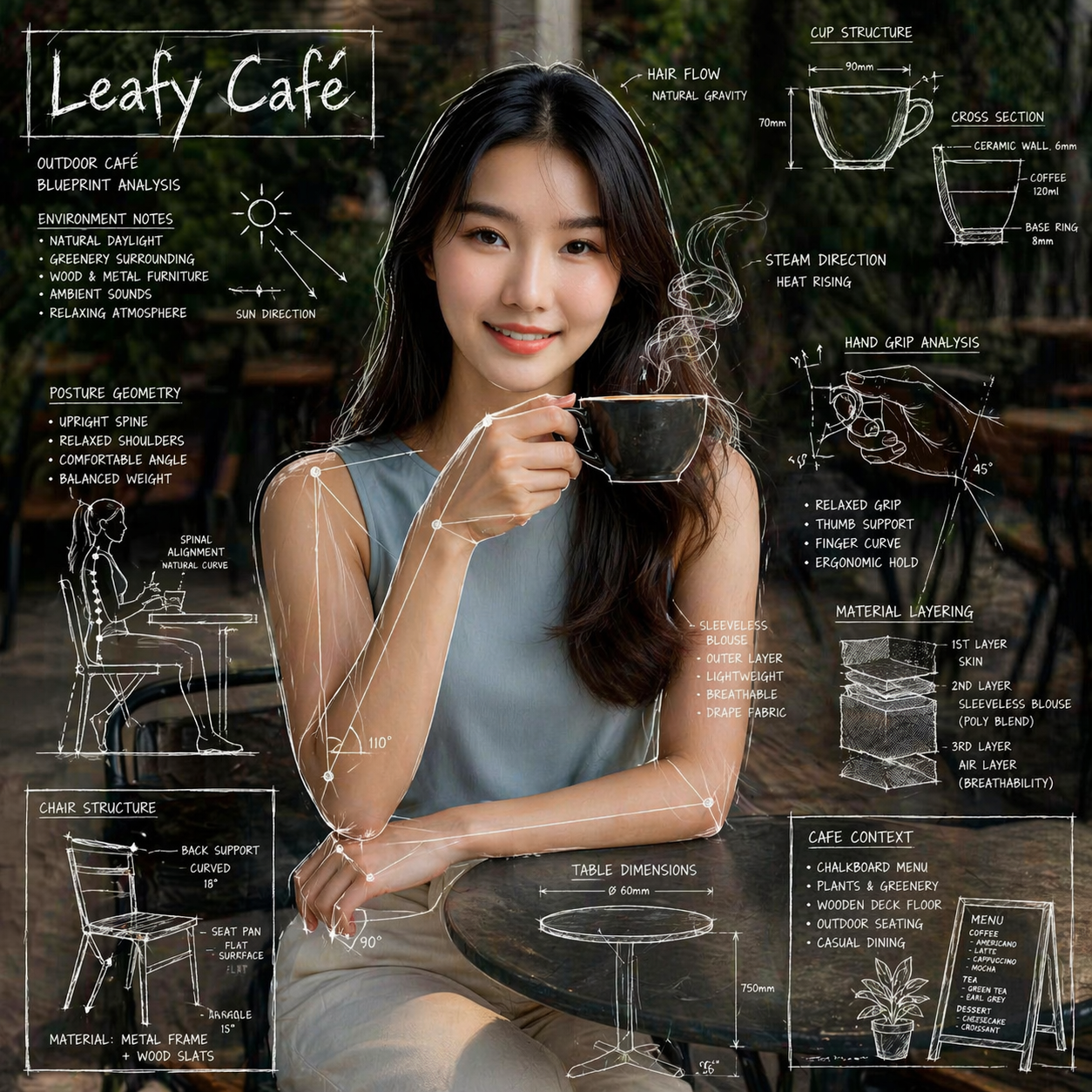
สร้างภาพอินโฟกราฟิกจากภาพถ่ายจริงที่กำลังดื่มกาแฟที่คาเฟ่กลางแจ้ง โดยอ้างอิงจากภาพบุคคลต้นฉบับทั้งหมด ห้ามเปลี่ยนแปลงใบหน้า สีผิว อายุ และบุคลิกของบุคคล ให้คงความเหมือนจริง 100% และใช้ภาพถ่ายจริงเป็นพื้นหลังของฉาก
ซ้อนทับภาพด้วยเส้นวาดสไตล์แบบพิมพ์เขียว (blueprint) สีขาวลักษณะชอล์กบนทั้งตัวบุคคลและวัตถุรอบ ๆ เพื่อให้ภาพเหมือนงานอธิบายเชิงเทคนิคของสถาปนิกหรือวิศวกร โดยเพิ่มรายละเอียดเชิงโครงสร้างตามสถานการณ์จริง เช่น:
– เส้นร่างโครงของแก้วกาแฟ
– มุมการจับแก้วของมือ
– ลูกศรแสดงทิศทางการลอยของไอน้ำ
– เส้นวิเคราะห์สรีระท่านั่ง (posture geometry)
– เส้นกำกับสัดส่วนของโต๊ะและระยะพื้นผิว
– ปริมาณชั้นของเสื้อผ้าที่สวมใส่ (material layering notes)
– ภาพตัดอย่างง่ายของมือและแก้ว (cross-section)
– แผนผังแสดงโครงสร้างเก้าอี้เพื่ออธิบายหลักการยศาสตร์ (ergonomics)
– หมายเหตุด้านสภาพแวดล้อมของคาเฟ่ เช่น ทิศทางแสง วัสดุพื้น เมนู บรรยากาศรอบโต๊ะ
เพิ่มกรอบมือเขียนแบบกล่องสเก็ตช์หนึ่งมุมของภาพ พร้อมข้อความว่า “Leafy Café” เพื่อเป็นชื่อหัวข้อของอินโฟกราฟิก
สไตล์ภาพรวมต้องเป็นการผสมระหว่างภาพจริงของคาเฟ่กลางแจ้ง กับเส้นร่างทางเทคนิคสีขาวที่ทับซ้อนอยู่ด้านหน้า ให้ความรู้สึกเป็นงานอธิบายเชิงการศึกษาแบบ blueprint modern educational infographic ที่ยังคงมองเห็นบรรยากาศร้านกาแฟชัดเจนด้านหลัง
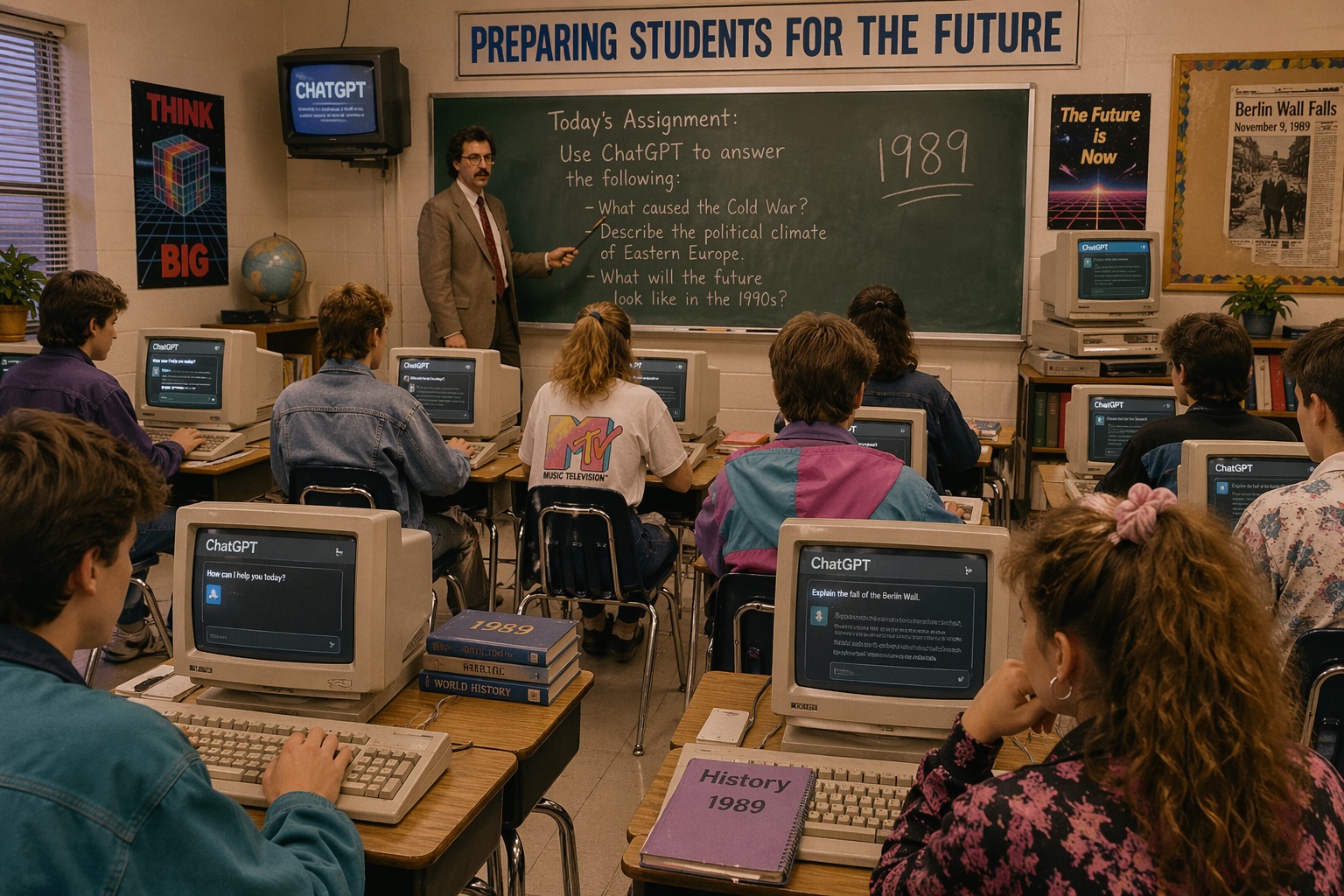
ห้องเรียนปี 1989 มีนักเรียนแต่งตัวสไตล์ยุค 80 นั่งที่โต๊ะไม้ ใช้คอมพิวเตอร์จอ CRT แสดงอินเทอร์เฟซ ChatGPT สมัยใหม่ ภายในมีการตกแต่งด้วยกระดานดำและโปสเตอร์เก่า ครูในสูทสีน้ำตาลสอนที่หน้าชั้นเรียน แสงโทนอบอุ่นและสไตล์ภาพ 35mm ultra realistic สื่อถึงความตัดกันระหว่างอดีตและเทคโนโลยี AI
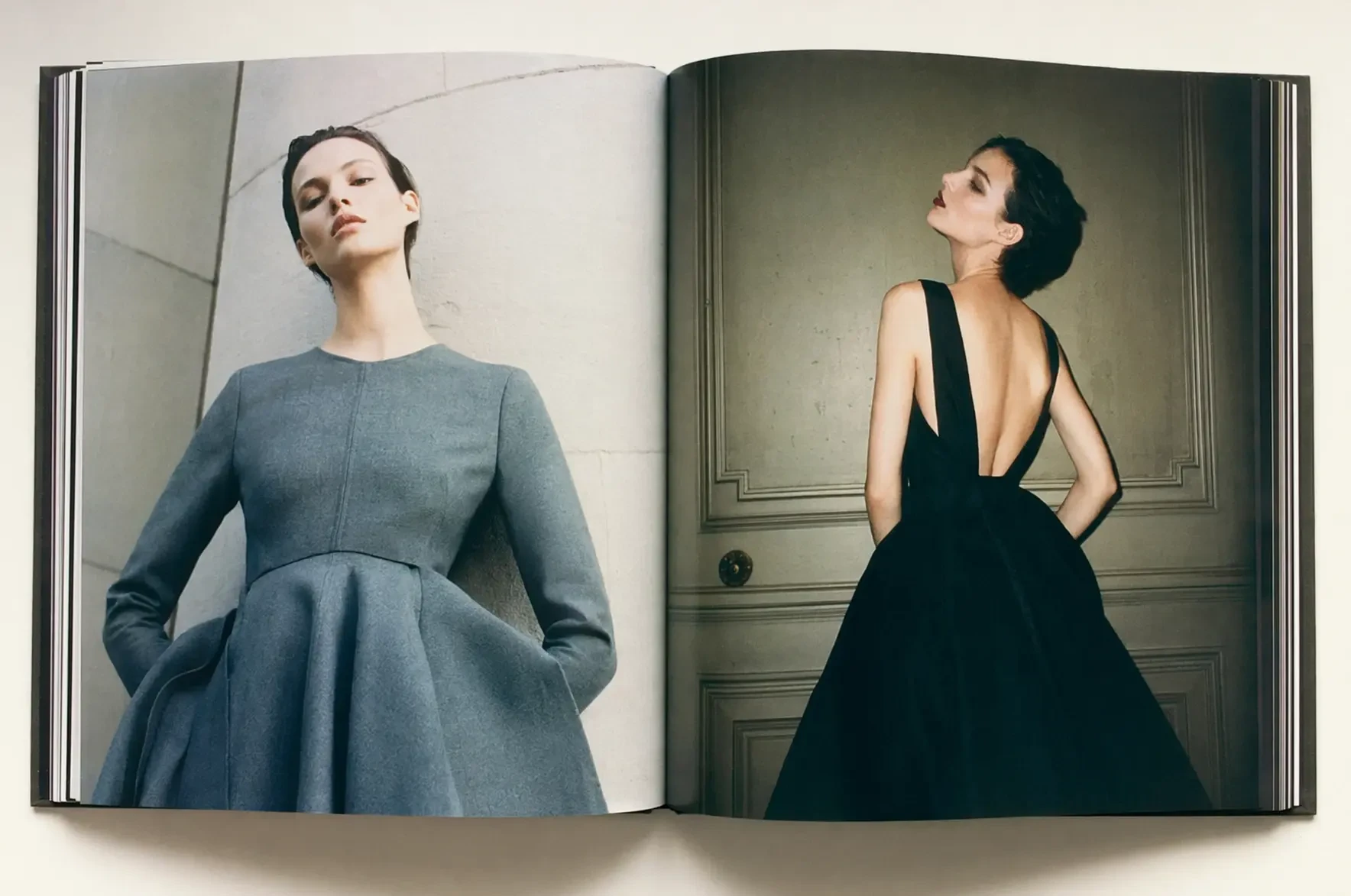
35mm photograph of a book of high-fashion photoshoots
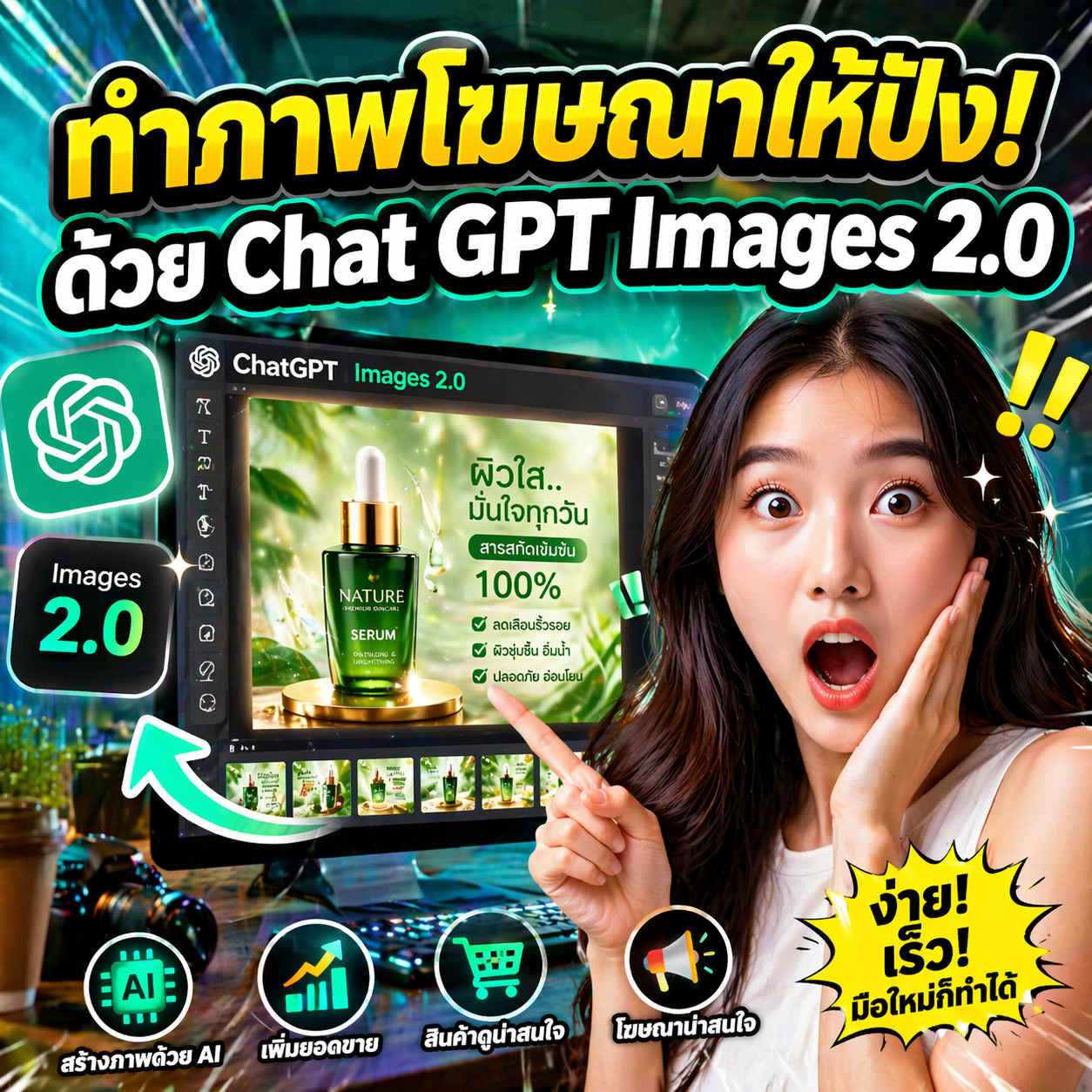
สร้างภาพ Thumbnail ยูทูบ ขนาด 1:1
สไตล์ Reaction / อารมณ์จัดเต็ม ใบหน้าคนแสดงอารมณ์แรง ๆ เช่น ตกใจ เหวอ หรือดีใจแบบเว่อร์ ให้ดูเด่นมาก
โทนภาพสว่าง คมชัด ดึงดูดสายตา
หัวข้อ: สอนการใช้ Chat GPT Images 2.0 ทำภาพโฆษณาสินค้า
เพิ่ม Headline ตัวใหญ่ 2 บรรทัด แบบ Large bold text, strong outline
บรรทัดที่ 1 (สีเหลือง):
“ทำภาพโฆษณาให้ปัง!”
บรรทัดที่ 2 (สีขาว):
“ด้วย Chat GPT Images 2.0”
จัดวางข้อความให้ใหญ่เด่น อ่านง่าย สไตล์ยูทูบ
เพิ่มองค์ประกอบสนุก ๆ เช่น เส้นสปีด ความเว่อร์เล็กน้อย
พื้นหลังสื่อถึงงานโฆษณา/การทำภาพ เช่น หน้าจอคอม โปรแกรมออกแบบ หรือไอคอนต่าง ๆ
ภาพรวมต้องสะดุดตาและให้พลังอารมณ์แรงแบบ Reaction
รองรับสัดส่วนภาพได้ยืดหยุ่น
โมเดลใหม่นี้รองรับการสร้างภาพในอัตราส่วนที่หลากหลายมากขึ้น
ตั้งแต่กว้าง 3:1 ไปจนถึงสูง 1:3
คุณสามารถสร้างภาพให้ตรงกับรูปแบบที่ต้องการได้ทันที เช่น:
- แบนเนอร์แนวนอน
- สไลด์พรีเซนต์
- โปสเตอร์
- หน้าจอมือถือ
- บุ๊กมาร์ก
- โซเชียลมีเดีย
เพียงระบุอัตราส่วนใน prompt หรือเลือกจาก preset เพื่อปรับขนาดภาพใหม่ได้ทันที
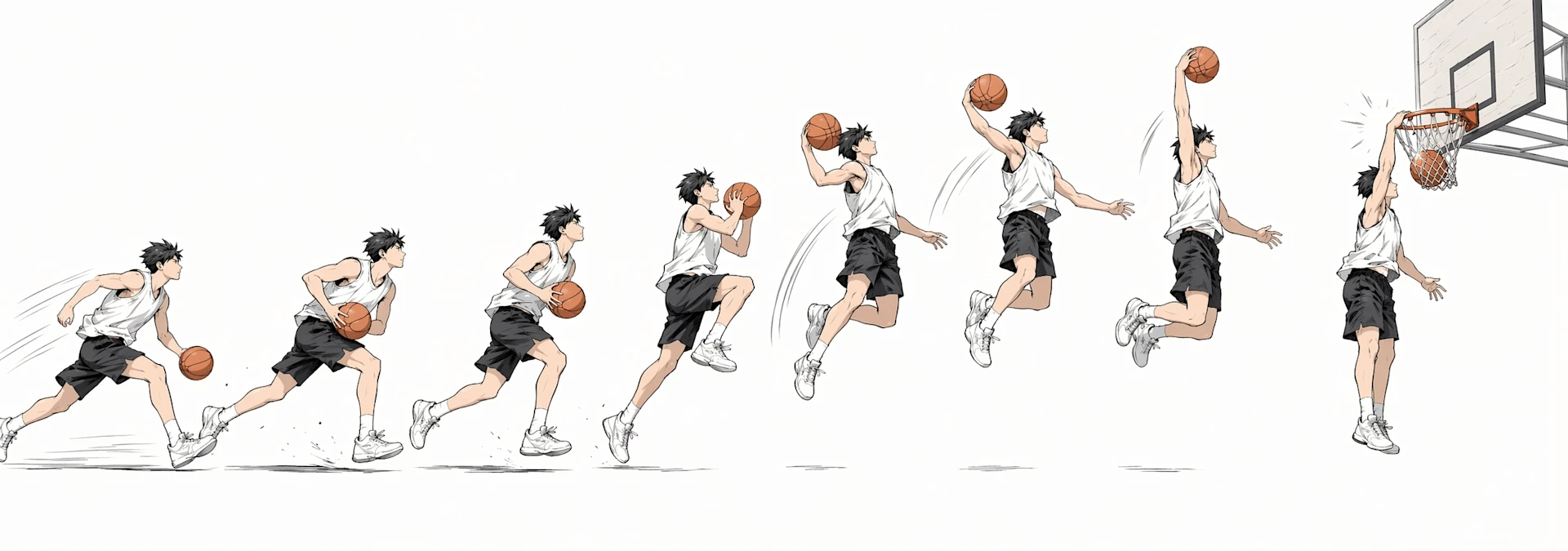 “japanese-manga-style disassembly” of a basketball dunk shoot motion like a time lapse. Tell the most story through visuals rather than text. 3:1 utlrawide aspect ratio. prefer light background rather than dark. do not use japanese
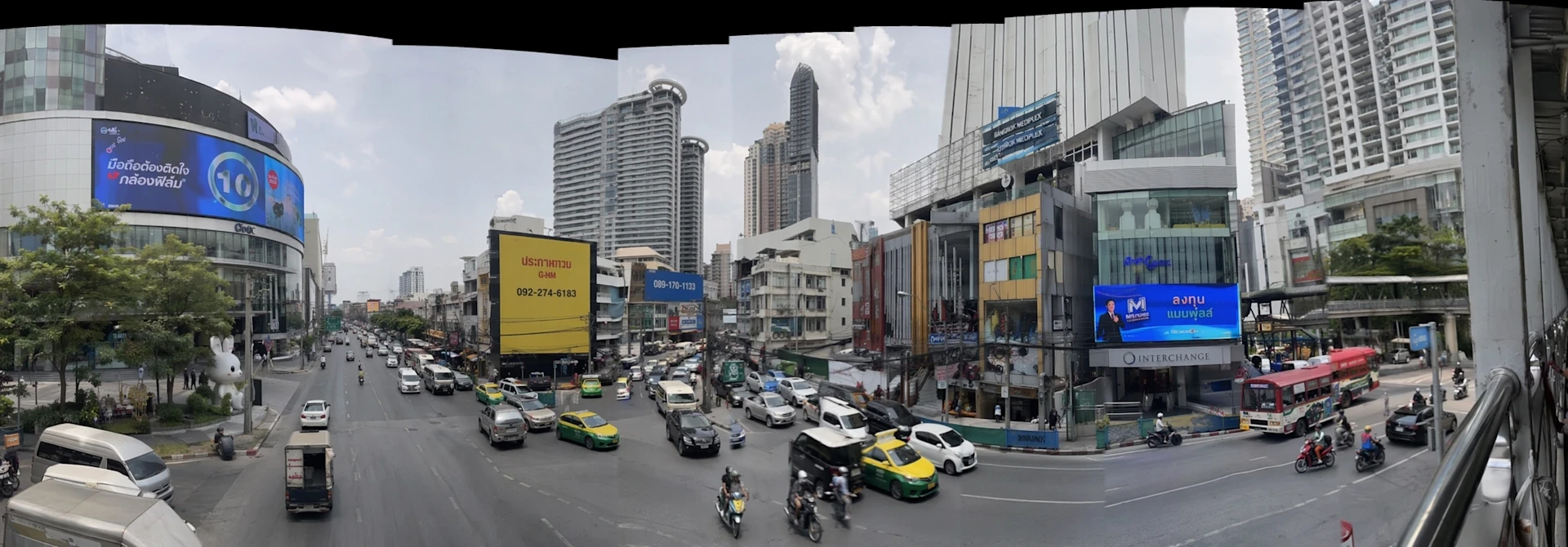
create a photorealistic panorama shot as if taken on iphone of a busy asian city. make it a bit jaggedy like my hand shook while taking the panorama shot ; there should be fault lines where the image breaks from my hand shaking or not keeping a straight line
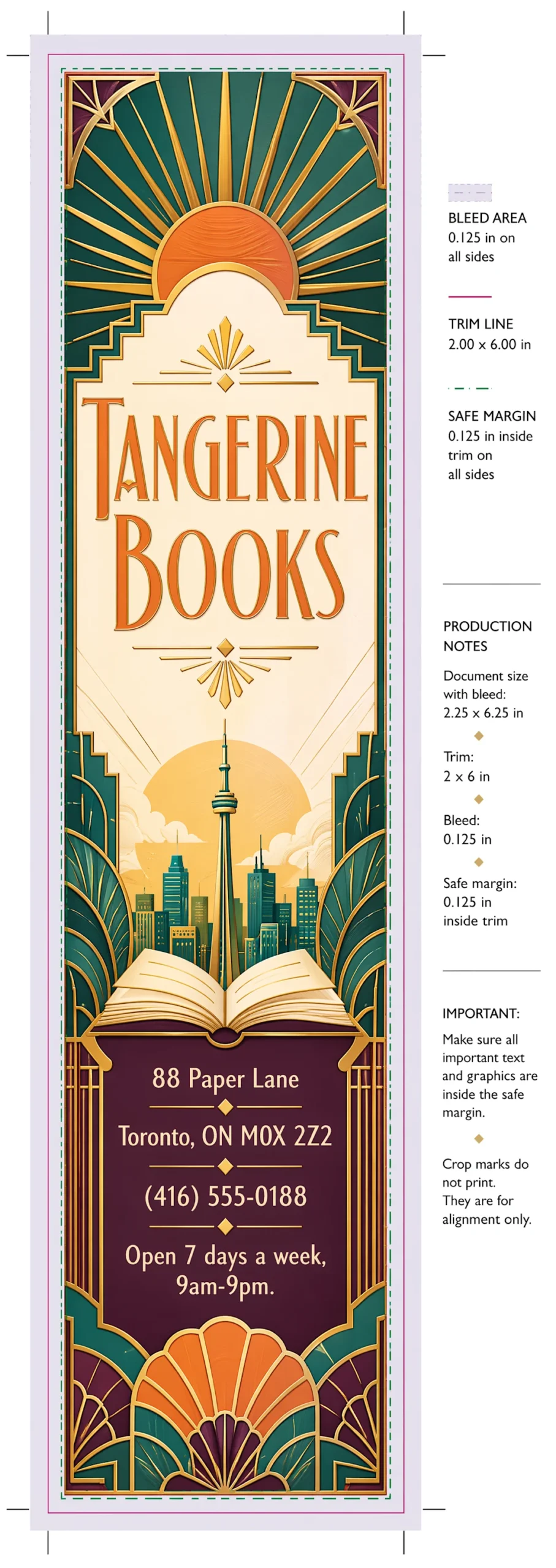
i’m opening a bookstore called ‘tangerine books’ in toronto and would like to make a bookmark to print, that i give my shoppers. the aesthetic should be gorgeous art deco – colorful, retro, joyful, elegant. include print dimensions and margins. please include the address and phone number:
88 Paper Lane
Toronto, ON M0X 2Z2
(416) 555-0188
Open 7 days a week, 9am-9pm.
include bleed, trim, and safe margin.
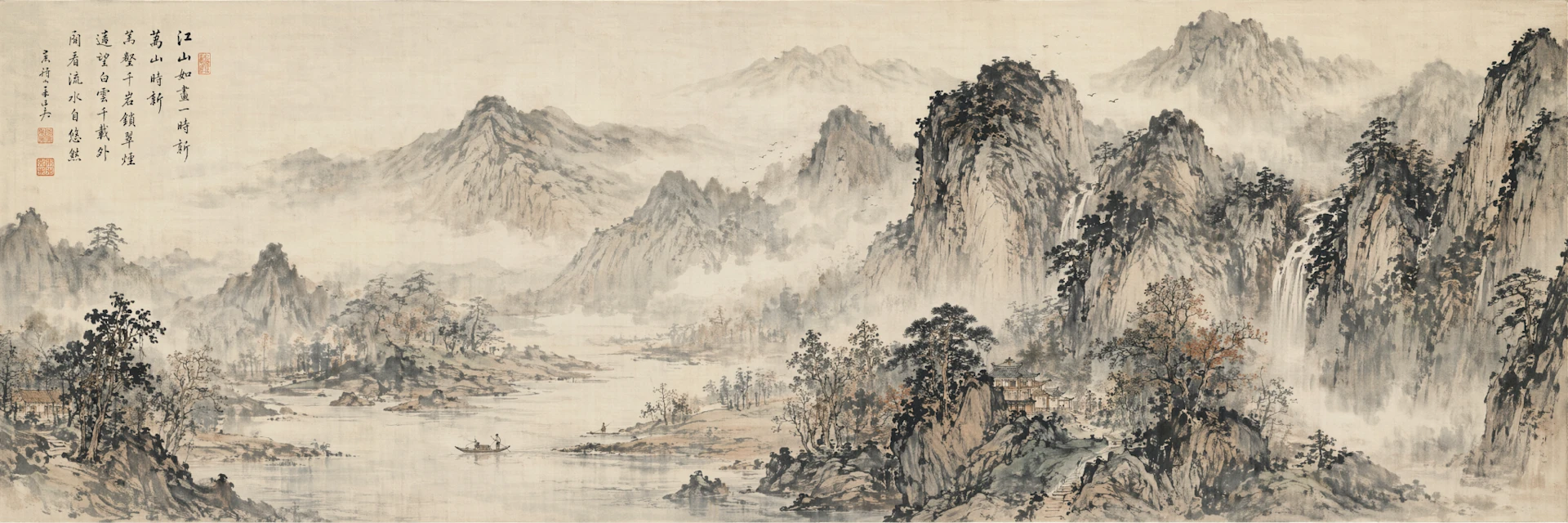
Traditional long Chinese 山水画.Aspect ratio: Landscape 3:1
เข้าใจโลกจริงมากขึ้น
Images 2.0 มาพร้อมความรู้ที่อัปเดตถึงเดือนธันวาคม 2025
ช่วยให้สร้างภาพที่มีความถูกต้องและสอดคล้องกับบริบทมากขึ้น
สิ่งนี้สำคัญมากสำหรับงานประเภท:
- อินโฟกราฟิก
- สื่อการเรียนรู้
- สรุปข้อมูล
ที่ “ความถูกต้อง” และ “ความชัดเจน” สำคัญพอ ๆ กับความสวยงาม
โมเดลยังสามารถทำงานแบบ end-to-end ได้ เช่น:
- สังเคราะห์ข้อมูล
- เขียนเนื้อหา
- จัดเลย์เอาต์
พร้อมโครงสร้างที่อ่านง่าย มีพื้นที่ว่างเหมาะสม และลำดับสายตาที่ดี
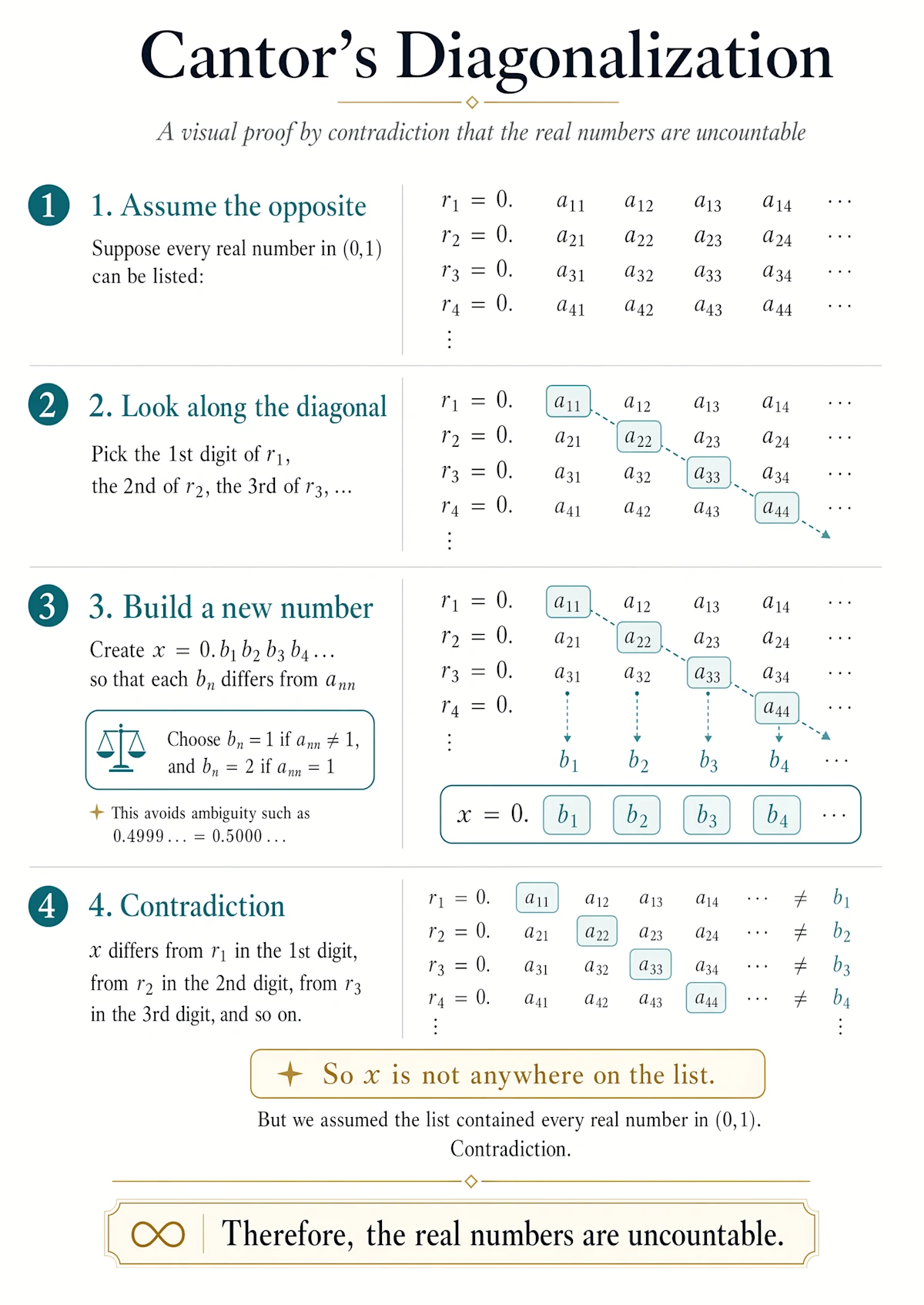
cantor’s diagonalization proof, infographic
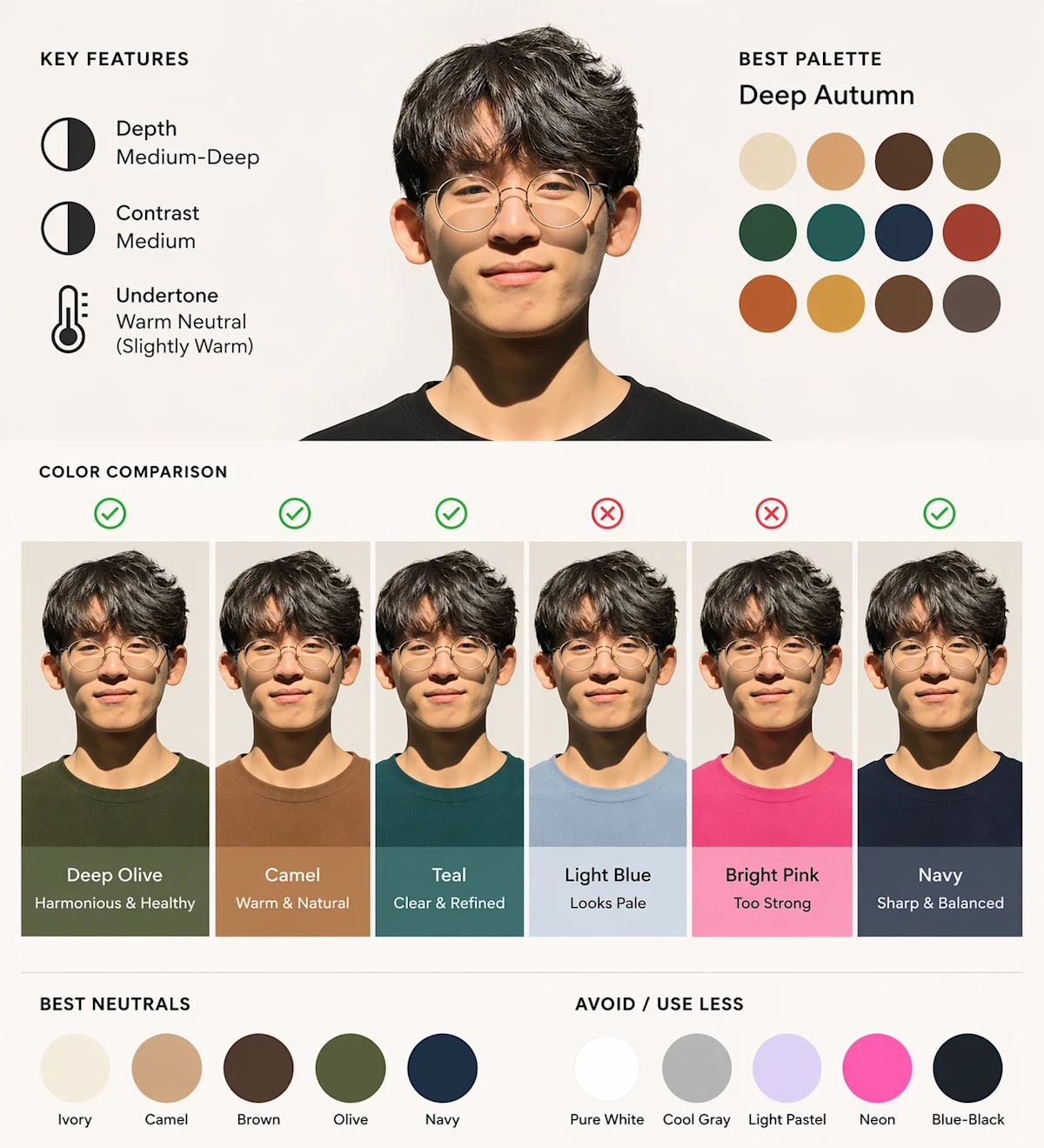
Using this portrait, create a diagram-first personal color analysis. Show which clothing colors suit the subject through visual comparison. Keep text minimal and avoid paragraphs.
ผู้ช่วยคิดด้านภาพ (Visual Thought Partner)
เมื่อเลือกใช้โมเดลแบบ Thinking ใน ChatGPT
ระบบจะใช้เวลามากขึ้นและทำงานเชิงรุกเบื้องหลัง เพื่อเข้าใจและทำงานให้ครบถ้วนที่สุด
ความสามารถในโหมดนี้:
- ค้นหาข้อมูลจากเว็บ
- แปลงไฟล์หรือข้อมูลที่อัปโหลดให้เป็นภาพอธิบาย
- วางโครงสร้างภาพก่อนสร้างจริง
ทำให้ Images 2.0 ทำหน้าที่เหมือน “พาร์ทเนอร์ด้านความคิดเชิงภาพ”
ช่วยพาคุณจากไอเดียหยาบ ๆ ไปสู่ผลงานสำเร็จได้ โดยใช้แรงน้อยลงมาก
สร้างหลายภาพในครั้งเดียว
Images 2.0 สามารถสร้างภาพหลายแบบพร้อมกันได้ (ครั้งแรกใน ChatGPT)
เปิดโอกาสให้ workflow ใหม่ ๆ เช่น:
- การสร้างมังงะหลายหน้า
- การออกแบบบ้านทั้งหลังหลายห้อง
- ชุดไอเดียโปสเตอร์
- คอนเทนต์โซเชียลหลายรูปแบบ หลายภาษา
แทนที่จะต้องสร้างทีละภาพแล้วมาประกอบเอง
คุณสามารถขอ “ชุดภาพที่สอดคล้องกัน” ได้สูงสุดถึง 8 ภาพในครั้งเดียว
พร้อมความต่อเนื่องของตัวละครและองค์ประกอบ
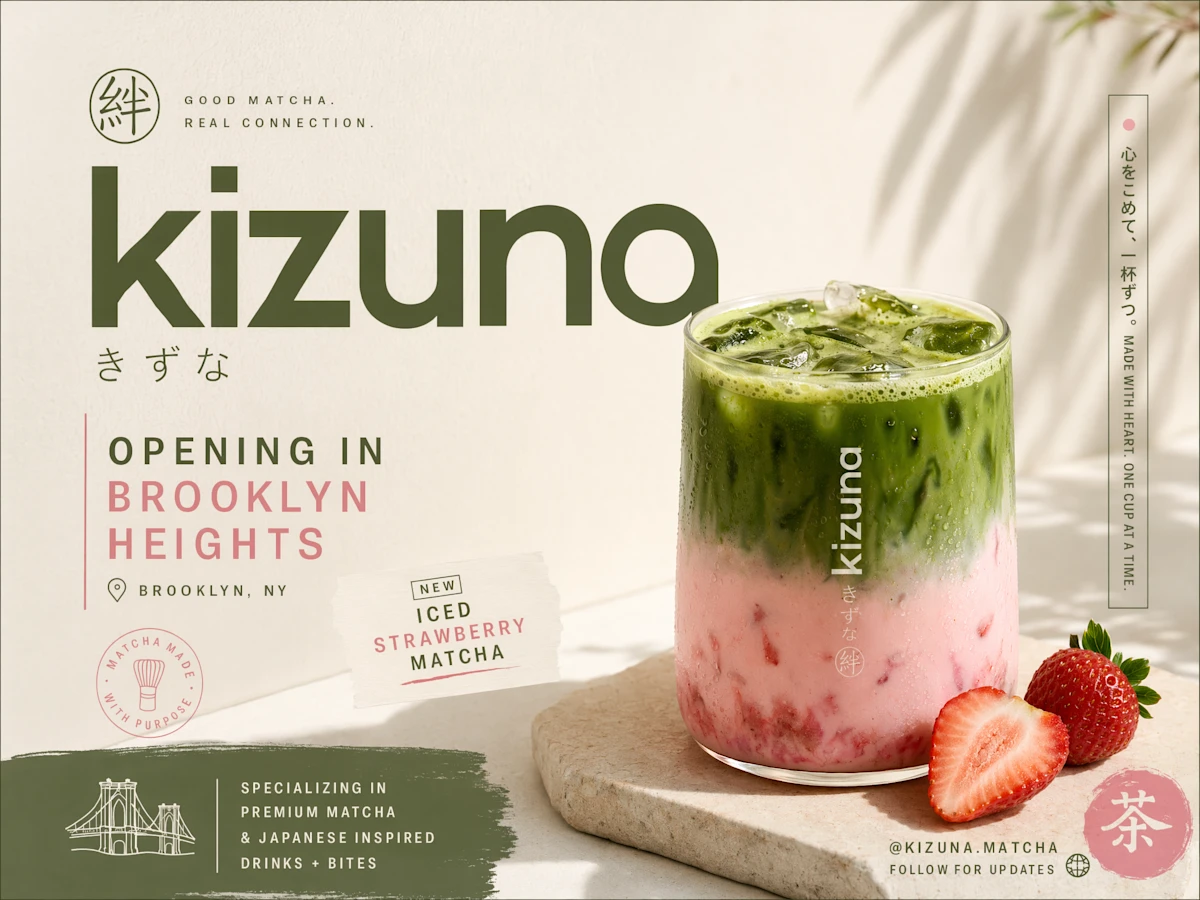
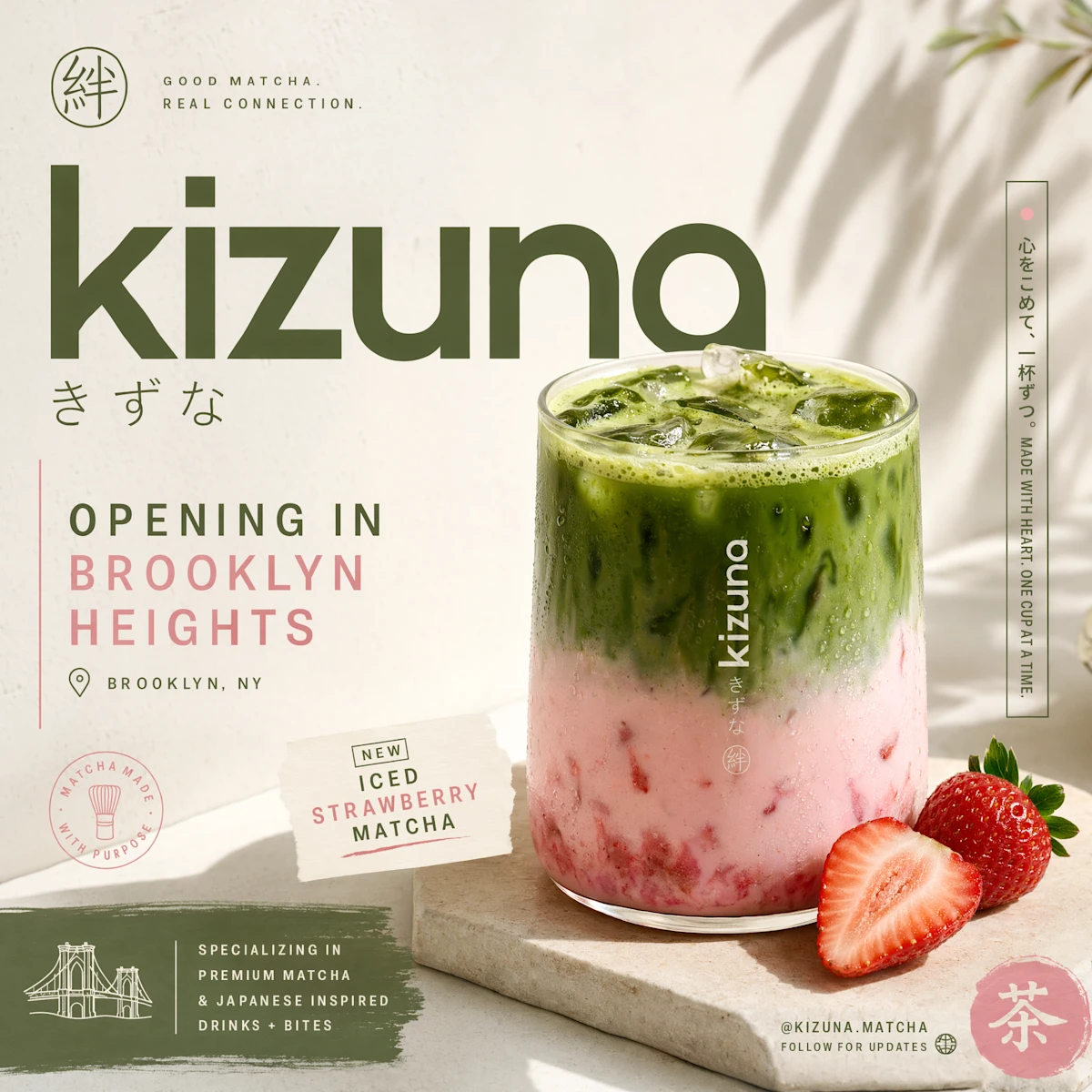
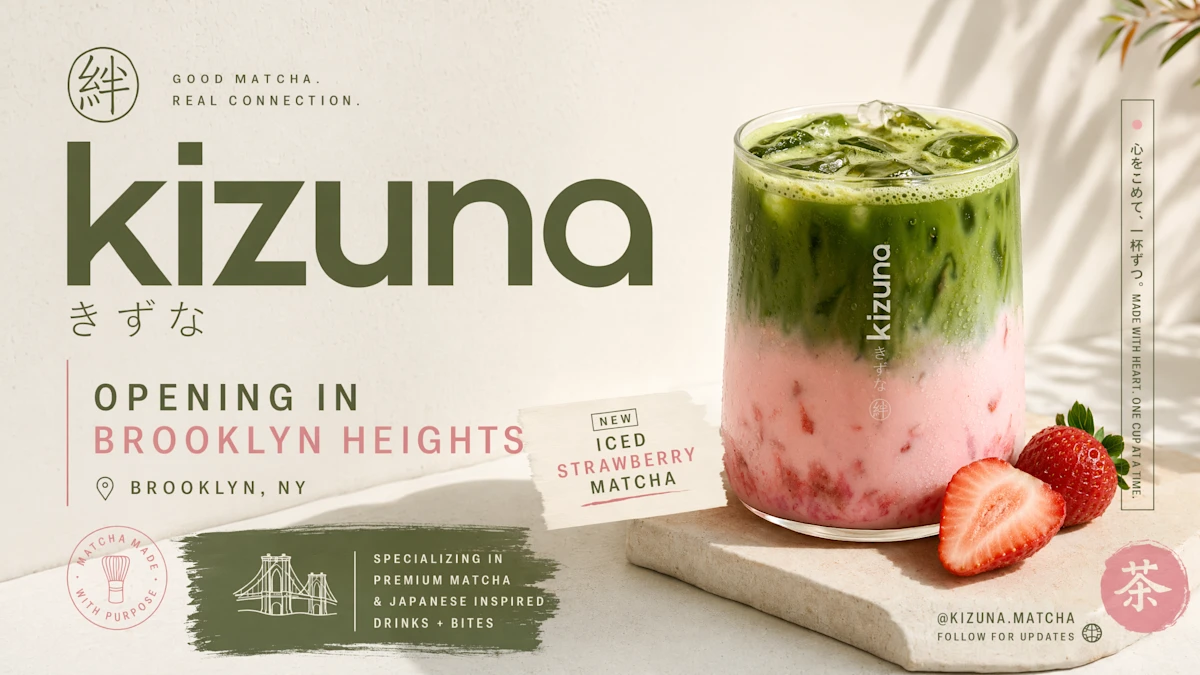
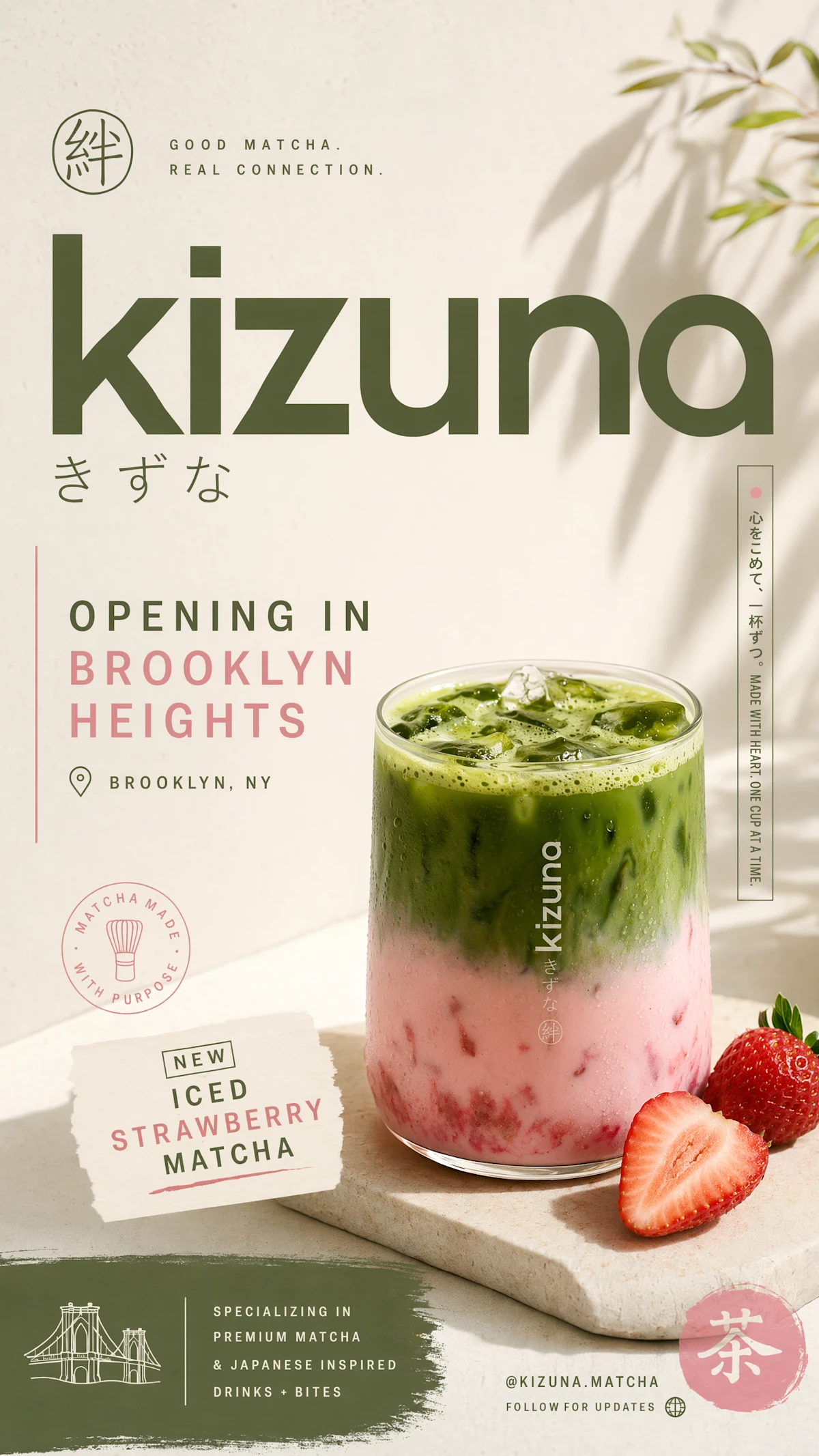
Make an advertisement promoting my new matcha shop called ‘kizuki’ opening in brooklyn heights. have a nice sunlight image of a strawberry matcha (iced) and a streetwear aesthetic w japanese minimalism. make sure to include multiple aspect ratio outputs so i can use it on twitter, IG stories, IG feed, and linkedin.
ใช้งานร่วมกับ Codex
Images ใน Codex ช่วยรวมงานสร้างภาพไว้ใน workspace เดียว
สำหรับการสร้าง ปรับปรุง และส่งมอบงาน เช่น:
- แอปพลิเคชัน
- สไลด์พรีเซนต์
- งานออกแบบและการตลาด
คุณสามารถ:
- สร้าง UI หลายแบบ
- ทดลองไอเดีย
- เปรียบเทียบตัวเลือกอย่างรวดเร็ว
- และนำไปพัฒนาเป็นโปรดักต์จริงได้ทันที
ทั้งหมดนี้ทำได้ใน Codex โดยใช้ ChatGPT subscription
โดยไม่ต้องสร้าง API key แยก
สร้างฟีเจอร์ภาพในโปรดักต์ของคุณด้วย gpt-image-2 ผ่าน API
นักพัฒนาและธุรกิจสามารถนำความสามารถเดียวกันนี้ไปใช้ในโปรดักต์ของตัวเองผ่าน API ด้วยโมเดล gpt-image-2
เพื่อเพิ่มความสามารถในการสร้างและแก้ไขภาพคุณภาพสูง เข้าไปใน workflow ที่ใช้งานอยู่แล้ว
ด้วยความสามารถที่พัฒนาอย่างมาก เช่น:
- การเรนเดอร์ข้อความที่แม่นยำขึ้น
- รองรับหลายภาษา
- ทำตามคำสั่งได้ดีขึ้น
- รองรับหลายรูปแบบไฟล์และอัตราส่วนภาพ
API นี้ช่วยให้สร้างระบบภาพสำหรับ use case จริงทางธุรกิจได้ง่ายขึ้น เช่น:
- โฆษณาหลายภาษา (Localized advertising)
- อินโฟกราฟิก
- สื่ออธิบาย (Explainers)
- คอนเทนต์การศึกษา
- เครื่องมือออกแบบ
- แพลตฟอร์มครีเอทีฟ
- เครื่องมือสร้างเว็บไซต์
ปัจจุบันมีลูกค้าหลายรายนำ gpt-image-2 ไปใช้จริงใน production
ตั้งแต่ storytelling, ซอฟต์แวร์ออกแบบ ไปจนถึงการสร้างเว็บไซต์และระบบอัตโนมัติด้านครีเอทีฟ
ข้อจำกัด
แม้ว่า ChatGPT Images 2.0 จะเป็นก้าวสำคัญ แต่ก็ยังไม่สมบูรณ์แบบ
ตัวอย่างข้อจำกัด:
- งานที่ต้องเข้าใจโลกกายภาพอย่างครบถ้วน (เช่น โอริกามิ)
- ปริศนาอย่างรูบิก (Rubik’s Cube)
- รายละเอียดที่อยู่บนพื้นผิวที่ซ่อนอยู่ เอียง หรือกลับด้าน
- รายละเอียดที่หนาแน่นหรือซ้ำจำนวนมาก (เช่น เม็ดทรายละเอียดจำนวนมาก)
นอกจากนี้:
- ป้ายกำกับ (labels) และไดอะแกรม อาจยังต้องตรวจสอบความถูกต้อง
โดยเฉพาะงานที่มีลูกศรหรือส่วนประกอบที่ต้องแม่นยำสูง
ทีมพัฒนามองว่าข้อจำกัดเหล่านี้คือ “พื้นที่สำคัญสำหรับการพัฒนาในอนาคต”
สำหรับ API:
- การสร้างภาพความละเอียดเกิน 2K ยังอยู่ในช่วง beta
- อาจมีความไม่สม่ำเสมอในบางกรณี
ราคาและการใช้งาน
ChatGPT Images 2.0 เปิดให้ใช้งานแล้ววันนี้สำหรับ:
- ผู้ใช้ ChatGPT
- ผู้ใช้ Codex
ฟีเจอร์ขั้นสูง (เช่นโหมด Thinking):
- ใช้ได้ในแพ็กเกจ ChatGPT Plus, Pro และ Business
โมเดล gpt-image-2:
- เปิดให้ใช้งานผ่าน API
- ราคาแตกต่างกันตามคุณภาพและความละเอียดของภาพที่เลือก
ความปลอดภัย
เราออกแบบระบบสร้างภาพให้:
- ใช้งานได้จริง
- มีความคิดสร้างสรรค์
- และปลอดภัย
โดยใช้แนวทางแบบ end-to-end:
- ป้องกันผลลัพธ์ที่เป็นอันตราย
- มีระบบป้องกันที่แข็งแรง
- และพัฒนาอย่างต่อเนื่องตามความสามารถและความเสี่ยงที่เปลี่ยนไป
สามารถอ่านรายละเอียดเพิ่มเติมเกี่ยวกับแนวทางด้านความปลอดภัยได้ใน system card
ตัวอย่างภาพและคำสั่งเพิ่มเติม
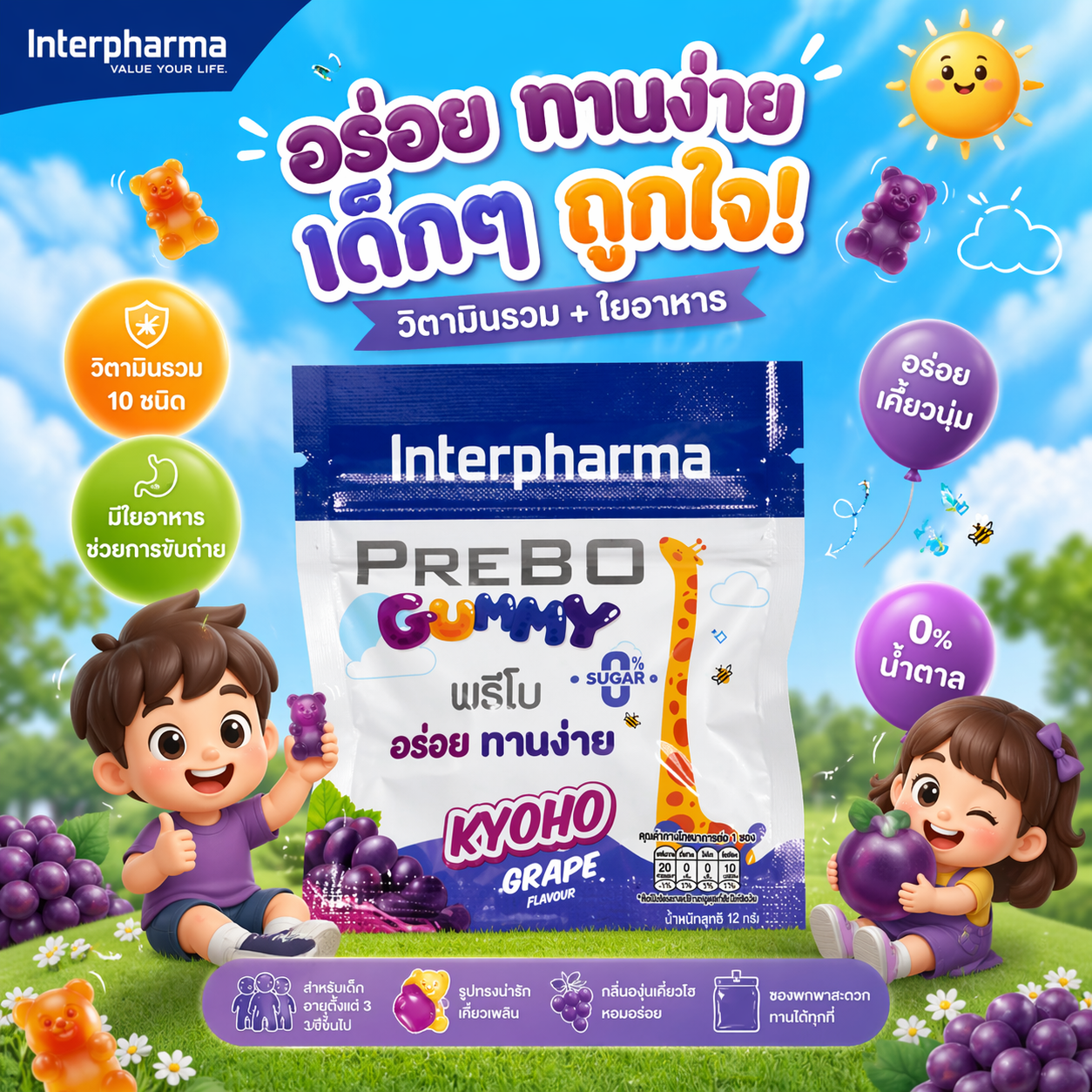
สร้างแบนเนอร์โฆษณาสวยๆ โดยเจาะกลุ่มเป้าหมายให้ตรงกับ กลุ่มเด็ก ขนาด 1:1
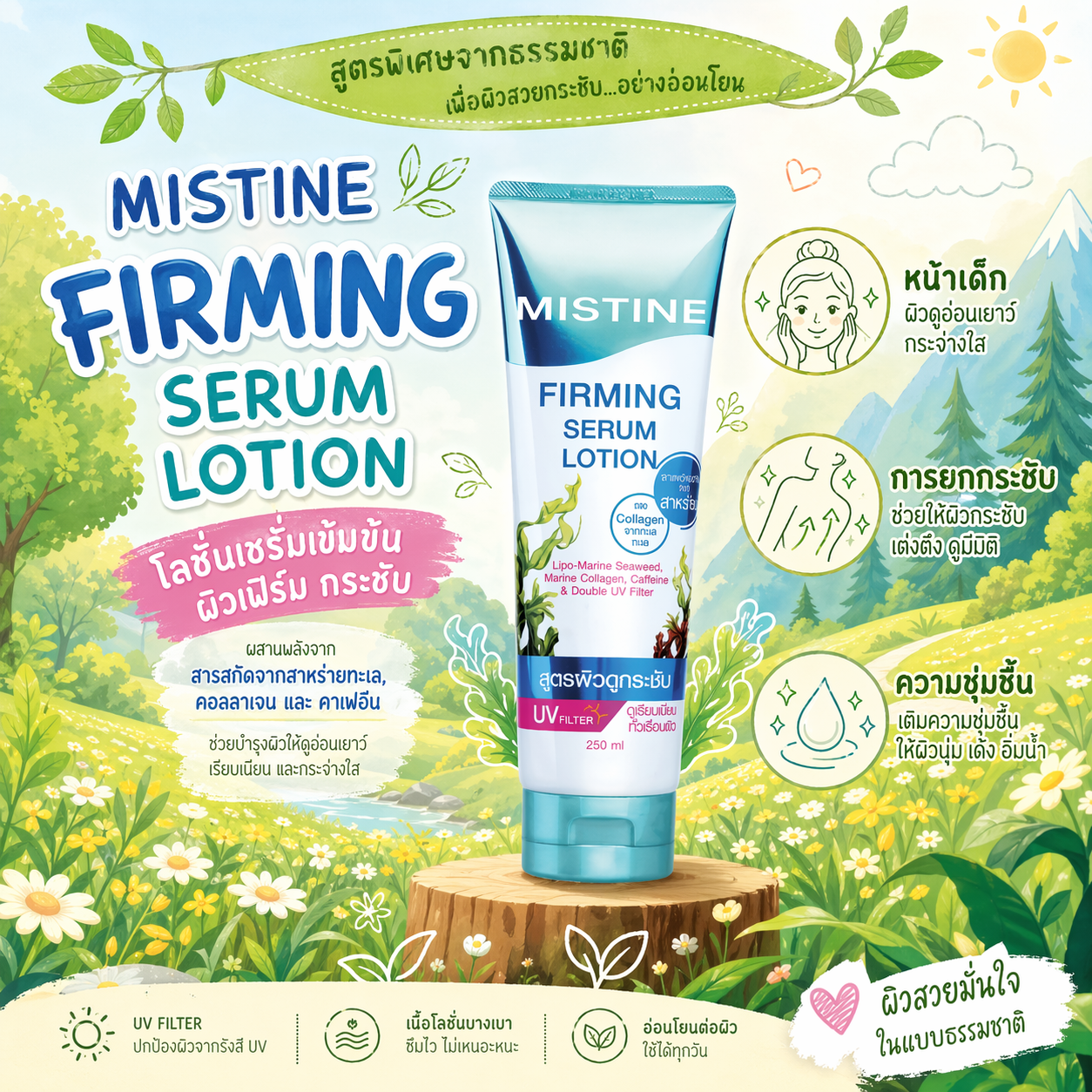
สร้างภาพโฆษณาโทนออแกนิคน่ารักสดใส ใช้สินค้าที่อัปโหลดเป็นวัตถุหลักของภาพ
ฉากหลังเป็นภาพวาดลายเส้นสไตล์การ์ตูนโทนธรรมชาติ
เช่น ภูเขา ต้นไม้ ทุ่งดอกไม้ ให้โทนสีเขียว–เหลืองแบบสดใส
เพิ่มไอคอนวาดเส้นแบบมินิมอลรอบขวด เช่น ดอกไม้ ใบไม้
หน้าเด็ก การยกกระชับ ความชุ่มชื้น เพื่อสื่อประโยชน์ ของผลิตภัณฑ์
ใช้ฟอนต์ตัวหนาแบบ playful สำหรับหัวข้อ
ตามผลิตภัณฑ์ต้นฉบับ
เพิ่มข้อความภาษาไทยเกี่ยวกับจุดเด่น ตามผลิตภัณฑ์ต้นฉบับ
เพิ่มแบนเนอร์ด้านบนด้วยดีไซน์ใบไม้พร้อมข้อความตามผลิตภัณฑ์ต้นฉบับ
โทนภาพรวมต้องสดใส เป็นธรรมชาติ ให้ความรู้สึกปลอดภัย เป็นออแกนิคจริง ๆ ขนาด 1:1
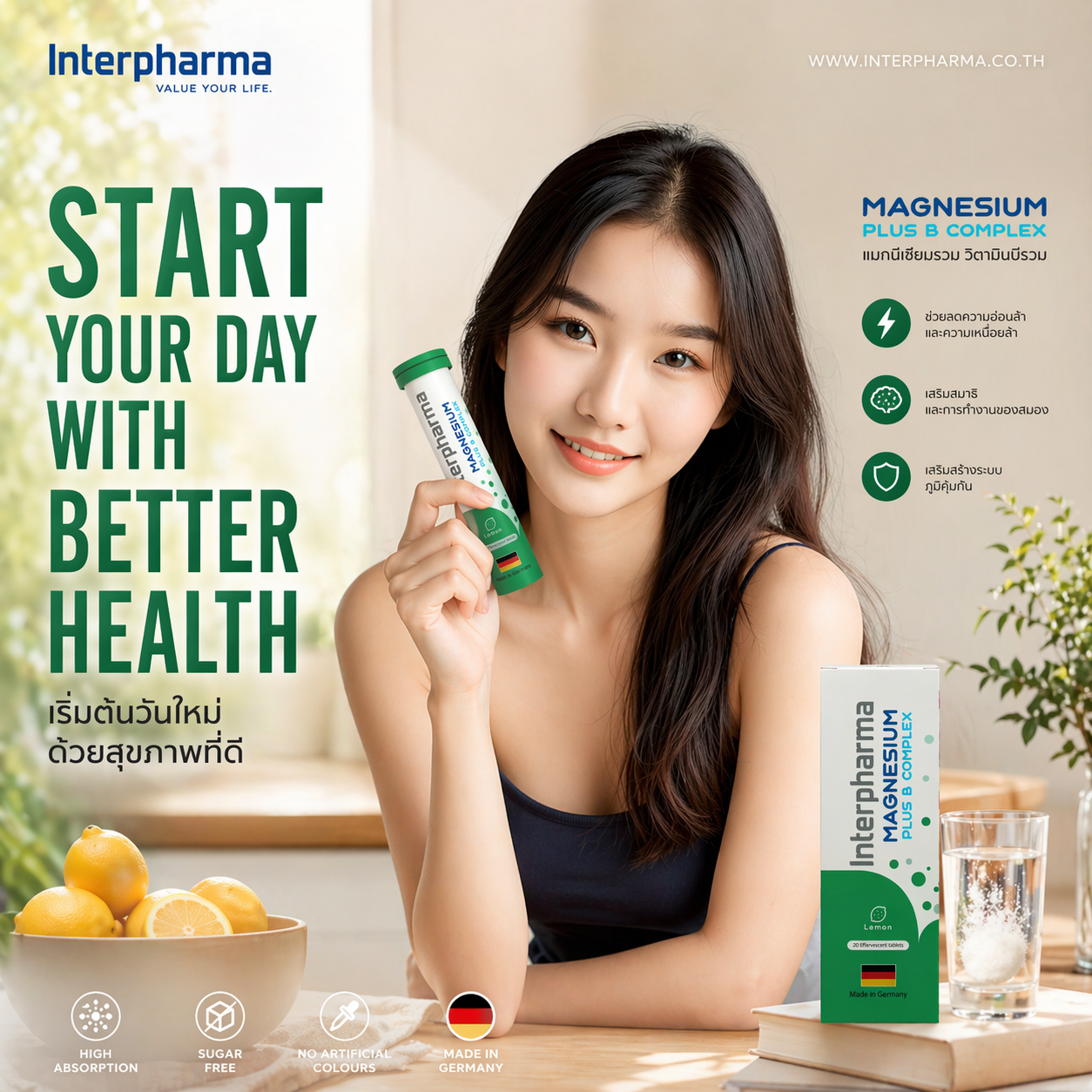
สร้างภาพโฆษณาสินค้าแนวไลฟ์สไตล์สุขภาพ โดยมีผู้หญิงในภาพต้นฉบับกำลังใช้งานหรือถือผลิตภัณฑ์ อยู่ในบ้านหรือครัว/ห้องน้ำ ให้โทนภาพอบอุ่น ดูมีสุขภาพดีเป็นธรรมชาติ จัดฉากตามผลิตภัณฑ์ หรือสื่อถึงการดูแลสุขภาพ เพื่อสร้างเรื่องราวของ “เริ่มต้นวันใหม่ด้วยสุขภาพที่ดี”ใช้แสงธรรมชาติแบบ นุ่มนวล เงาเบา โทนสีอบอุ่นสะอาด สไตล์ภาพกึ่ง โฆษณาแบรนด์สุขภาพ เพิ่มข้อความขนาดใหญ่ แบบตัวพิมพ์หนา (Bold Sans Serif) เต็มพื้นที่ทางซ้าย ของภาพ เช่นหัวข้อหลักเกี่ยวกับสุขภาพ เพิ่มข้อความสั้น ด้านขวาในรูปแบบคำโปรยของสินค้าเกี่ยวกับ คุณค่าทางโภชนาการหรือประโยชน์ของผลิตภัณฑ์ โลโก้จากภาพต้นฉบับ ตำแหน่งโลโก้แบรนด์หรือเว็บไซต์ วางไว้ด้านบนของภาพอารมณ์โดยรวมต้องให้ความรู้สึก สุขภาพดี สดใส เรียบง่าย มีความเป็นมืออาชีพ เหมือนโฆษณาไลฟ์สไตล์ในนิตยสารสุขภาพ ภาพไซส์ 1:1